


Anime Reborn Guide, How to AFK Farming Secret Unit Android 21
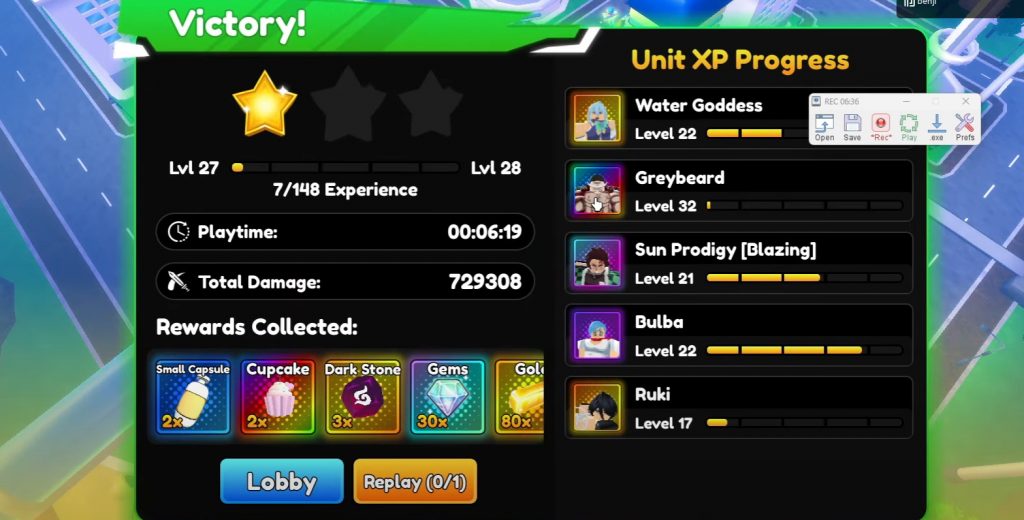
In Anime Reborn, obtaining the secret Android 21 unit can be challenging, with only a 0.75% chance of dropping. However, using an AFK macro technique can drastically increase your chances of securing this rare unit by farming consistently overnight. This guide will walk you through setting up an AFK macro for Android 21, using the popular macro software TinyTask to automate the farming process.
Anime Reborn Guide to AFK Macro Farming for Android 21
Here’s how to set up and run your macro to efficiently farm for Android 21 in Legend Stage Act 2.
1. Prepare TinyTask for Macro Recording
To begin, open TinyTask and set up the recommended settings:
- Playback Speed: Set TinyTask to 1x playback speed for a smooth and consistent macro loop.
- Continuous Playback: Enable continuous playback so that the macro runs repeatedly until you stop it, maximizing your chances of obtaining Android 21 overnight.
2. Load into Legend Stage Act 2
Once TinyTask is configured, load into Anime Reborn and start Legend Stage Act 2 in the First Story. This is the designated map for farming Android 21.
3. Positioning Your Character for Optimal Unit Placement
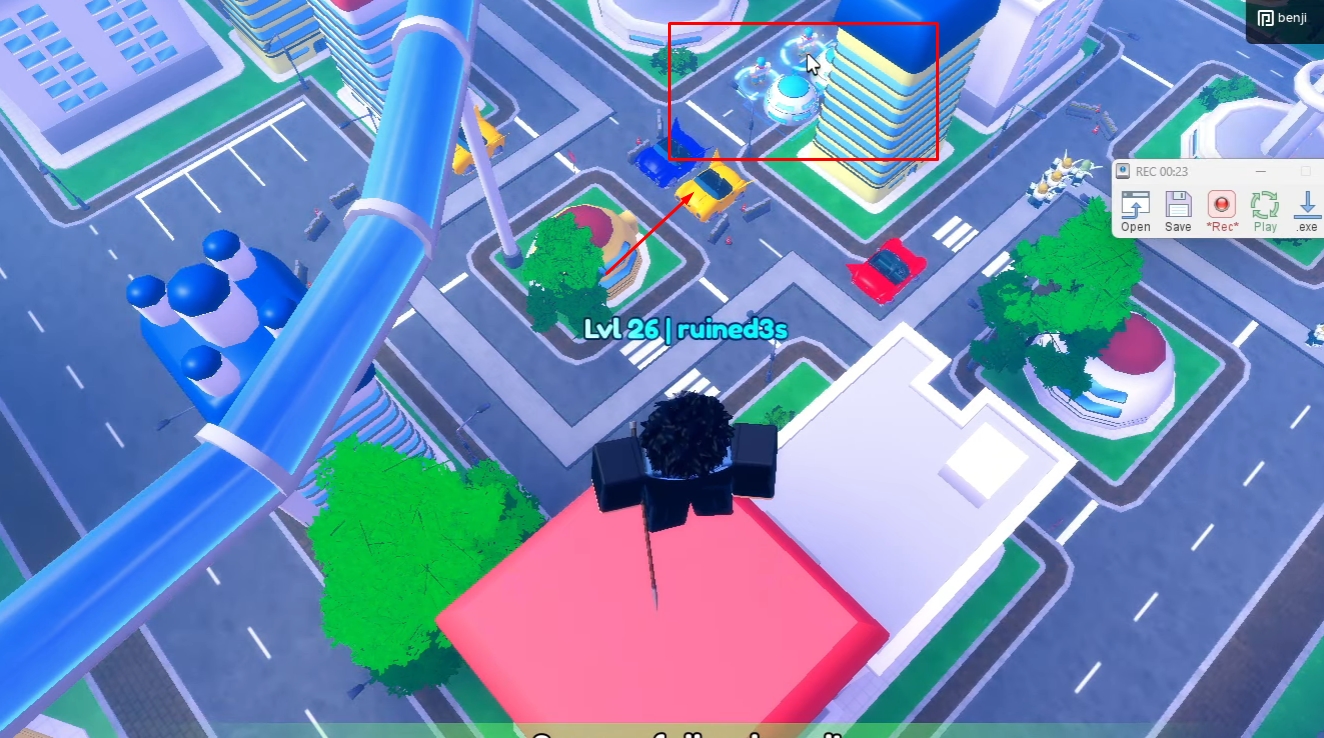
- Climb the Red Building: Once in the stage, parkour up to the red building on the map. This building offers the best angle for placing your units and keeping an eye on the central area.
- Align Your View: Position yourself to view the middle part of the map, as this will be the area where you place your units. Having a clear view ensures your macro will record accurately.
4. Start Recording with TinyTask
With your character positioned, hit the record button on TinyTask to start recording your movements and actions. You only need to initiate the recording once, as TinyTask will loop it on playback.
5. Farm Gold and Place DPS Units Strategically
- Farm Gold: Start by farming with either Bulma or Speed Card for additional gold. If you don’t have Speed Card, Bulma works effectively. Having enough gold will ensure you can place and upgrade your units consistently.
- Placement Tips: Be mindful of the timing and positioning when placing your DPS units. Place them near the middle of the map, but avoid placing too early, as this can throw off the timing in subsequent games.
- Upgrade Units: Upgrade your DPS units gradually as enemies approach. Proper unit upgrades and placement will help prevent enemies from leaking through your defenses.
6. Defeat the Boss and Claim Rewards
Once you’ve defeated the boss, there are a few final steps to ensure your macro runs smoothly:
- Timing for Reward Collection: After defeating the boss, wait a moment before clicking to claim rewards, as the next game might have a slight delay. This precaution helps prevent the macro from desyncing in later runs.
- Spam Click to Claim: When you’re ready to claim rewards, spam-click the “claim” button to make sure you collect everything, including the potential drop of Android 21.
7. Replay and Stop the Macro
After claiming your rewards, click the replay button to restart the level, and stop the recording on TinyTask. Now, TinyTask will repeat this sequence automatically.
Tips for Effective AFK Farming + Video Guide
- Check TinyTask Regularly: Make sure TinyTask is set to loop correctly before leaving it overnight. A quick test run can prevent issues from disrupting your farming.
- Optimize Unit Placement: Follow the recommended placement closely, as it plays a key role in preventing enemy leaks.
- Be Patient: With a 0.75% chance, Android 21 may take time to drop, but this macro setup maximizes your chances without needing to be at your device.
Using TinyTask to set up an AFK farming macro is a powerful way to farm Android 21 without constantly playing the game. By following this guide, you can run the macro overnight or during downtime, increasing your odds of securing this elusive unit. Good luck, and happy farming!
Anime Reborn