


How to Claim Opera GX Rewards in Slap Battles Roblox Guide
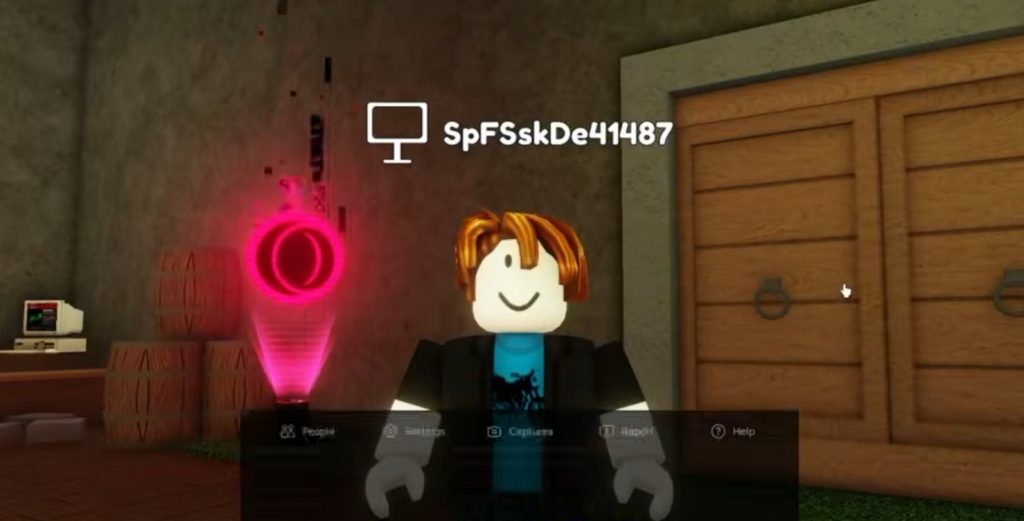
The latest Slap Battles update has introduced special Opera GX rewards that players can claim for free. However, many players are confused about how the reward system works and where to actually redeem the items. Thankfully, the process is fairly simple once you know where to look.
By connecting your Roblox account through Opera GX Rewards, you can unlock several free items, including crates, effects, shards, and even access to the special GX Glove content tied to the event. Here is a full guide on how to claim the Opera GX rewards in Slap Battles.
Download and Set Up Opera GX
The first thing you need to do is download the Opera GX browser. The rewards are connected directly to the Opera GX Rewards system, so you cannot claim them without using the browser first.
After installing Opera GX, open the browser and head into the settings menu. Some players may not immediately see the rewards section enabled by default, so you may need to manually turn it on.
Inside the settings, look for the Opera GX Rewards option and enable it. Once activated, the rewards tab should appear inside the browser interface.
Open the GX Rewards Tab
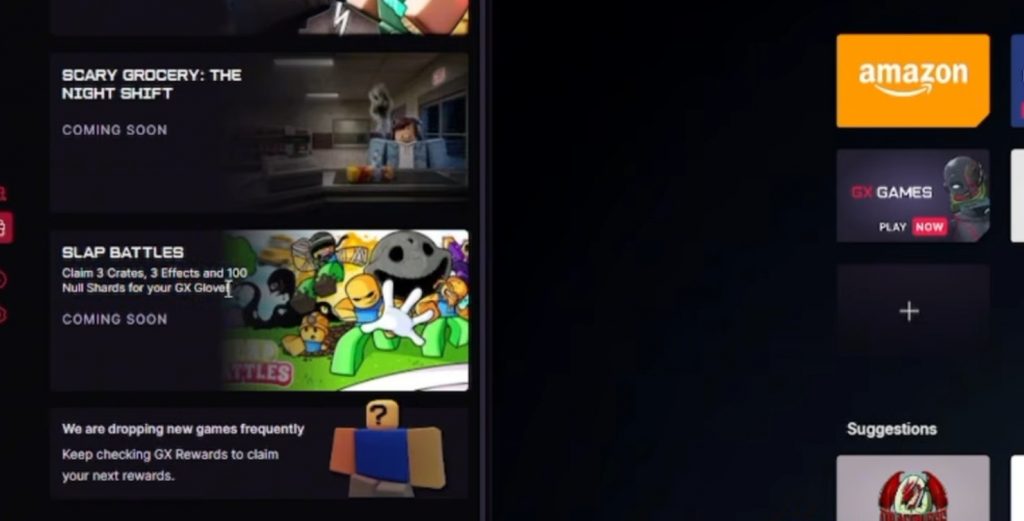
After enabling the rewards feature, open the GX Rewards tab inside Opera GX. You should now be able to find the Slap Battles campaign listed among the available rewards. Inside the Slap Battles reward page, players can claim several free bonuses connected to the event. According to the update, the rewards include:
- 3 Crates
- 3 Effects
- 100 Null Shards
- GX Glove content
These rewards are tied directly to your Roblox account, so you must complete the verification process correctly.
Verify Your Roblox Username Correctly
One of the biggest mistakes players make is entering the wrong Roblox name during verification. When claiming the rewards, you must enter your actual Roblox username and not your display name.
If you use your display name instead of your real username, the reward system may fail and the items will not appear in your account. Double-check your username before confirming the verification process. Once everything is correct, the rewards should be linked to your Slap Battles account automatically.
Can You Claim the Rewards on Mobile?
Yes, the Opera GX rewards should also work on mobile devices as long as you use the Opera GX browser and enable the rewards tab in the settings.
The process is mostly the same as the PC version. Simply open the rewards section, find the Slap Battles campaign, and verify your Roblox username properly.
This makes it much easier for mobile players to participate in the event without needing a computer.
How to Unlock the Opera GX Glove
The update also includes the special Opera GX Glove. However, some players noticed that the glove may not immediately become usable.
To fully unlock the glove, you may need to earn the “Fix My Dank Computer” badge connected to the event quest. This is part of a separate challenge inside Slap Battles that requires players to complete puzzles and an obby section. Once completed, the Opera GX Glove should become available for use in-game.
The Opera GX collaboration event in Slap Battles gives players several free rewards with very little effort required. As long as you install Opera GX, enable the rewards tab, and verify your correct Roblox username, you should be able to claim all available bonuses quickly.
Just remember not to use your display name during verification, since that is the main issue causing problems for most players trying to redeem the rewards.
Slap Battles