


How To Connect Roblox to Medal Easily Guide
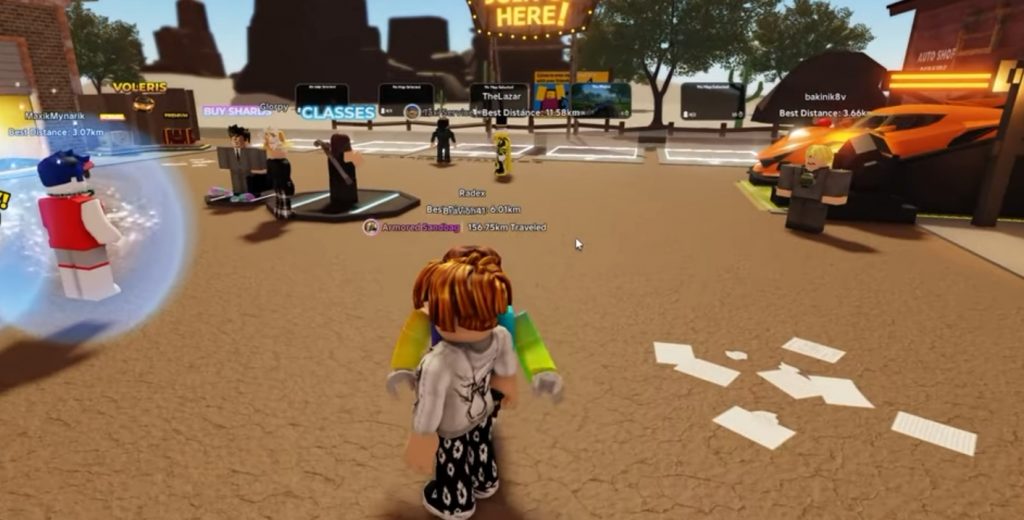
If you want to link your Roblox account to Medal, the process is actually very simple. By connecting both accounts, you can make it easier to record clips, share gameplay moments, and manage your gaming activity directly through Medal. The setup only takes a few minutes, and you can also remove the connection anytime from your Roblox settings if needed. In this guide, we will go through the full steps to connect Roblox to Medal without any confusion.
1. Download and Install Medal First
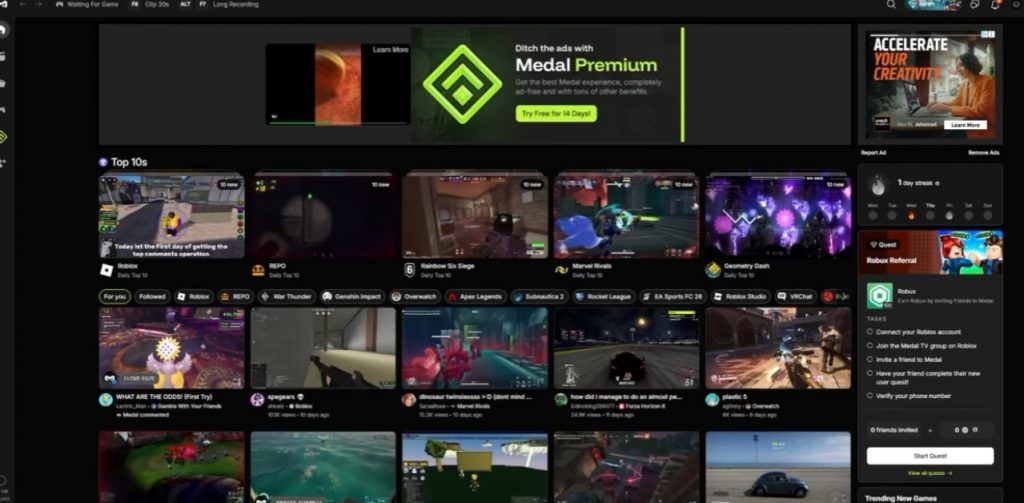
Before connecting anything, you need to make sure that Medal is already installed on your PC. Medal is a clipping and recording platform used by many gamers to capture gameplay highlights automatically.
You can download the app from the official Medal website and complete the installation process. After installing it, log into your Medal account or create a new one if you do not already have an account ready. Once everything is set up, open the Medal application and continue to the next step.
2. Open Medal Settings
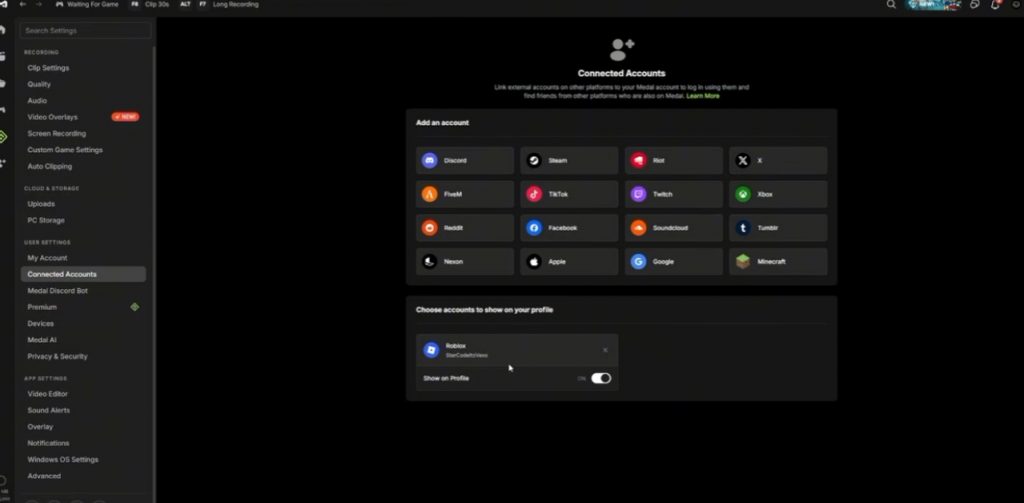
After launching Medal, look for the Settings option inside the app. Usually, the settings icon can be found in the middle or lower section of the interface depending on your current version of Medal. Inside the settings menu, search for the Connected Accounts section. This area allows you to link different gaming platforms and accounts directly to Medal. When you open the Connected Accounts page, you should see Roblox listed among the available services.
3. Connect Your Roblox Account
Click on Roblox from the connected accounts list. Medal will then ask you to sign into your Roblox account and approve the connection between both platforms. After logging in, simply confirm the permission request. Once approved, your Roblox account will officially be linked to Medal. The process is very quick, and once completed, Medal should now recognize your Roblox activity automatically while you play games.
4. How To Check If Roblox Is Connected
If you want to make sure the connection worked correctly, you can also verify it directly from Roblox. Open Roblox settings and head to the App Permissions section. Here, you should see Medal listed as one of the connected applications linked to your Roblox account. This confirms that the setup was successful and both accounts are now connected properly.
5. Can You Remove Medal From Roblox?
Yes, you can remove the connection anytime if you no longer want Medal linked to your Roblox account. Simply go back to the App Permissions page inside Roblox settings and remove Medal from the connected apps list. Once removed, Medal will no longer have access to your Roblox account. This gives users full control over account permissions and privacy settings whenever needed.
Connecting Roblox to Medal is a fast and easy process that only requires a few steps inside the Medal app and Roblox settings. Once linked, you can use Medal to capture gameplay moments, clips, and highlights while playing Roblox games without much setup. If you ever change your mind, Roblox also lets you remove the connection at any time through the permissions menu, making the feature flexible and safe to use.
Roblox