


Grow a Garden 2 Official Wiki, Discord, Trello & Game Links Guide
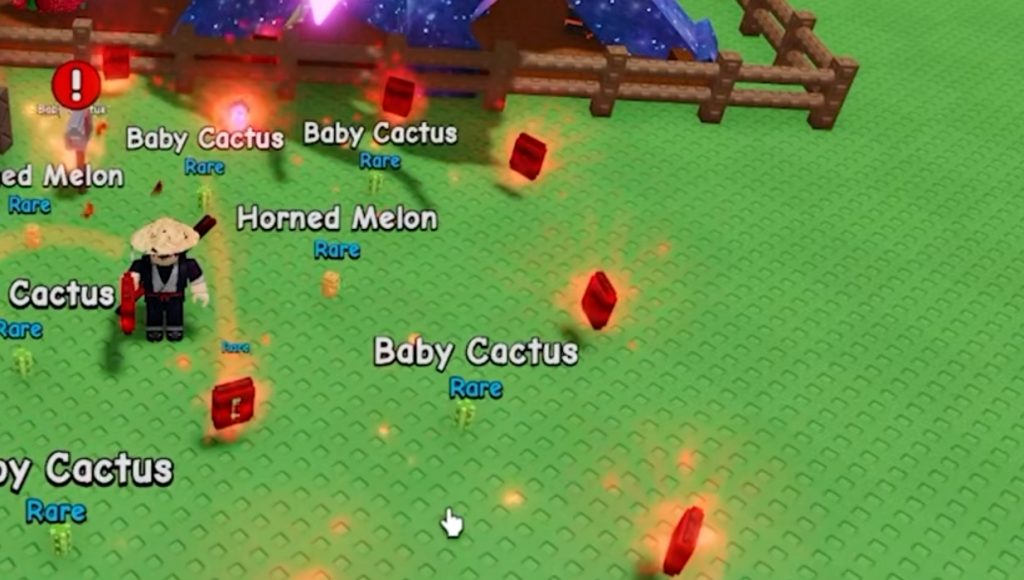
Grow a Garden 2 has quickly become one of the biggest farming games on Roblox, attracting both returning players from the original game and newcomers looking to build the ultimate garden. With new features like pets, mutations, weather systems, gears, and nighttime stealing mechanics, it can be difficult to keep track of everything happening in the game.
That’s why many players look for official resources where they can find updates, guides, announcements, and community discussions. In this guide, we’ll cover all the important Grow a Garden 2 links and explain what each platform is used for.
Official Grow a Garden 2 Resources
If you want to stay updated with the latest content, these are the most important places to check regularly:
- Wiki,
- Discord,
- Trello TBA
- Game Links
- Group
Grow a Garden 2 Roblox Group
The official Roblox group serves as the main community page for the developers behind Grow a Garden and Grow a Garden 2. Here you can:
- Follow game announcements
- Join the community
- Check developer updates
- Stay informed about future releases
The Roblox group is often one of the first places where important information appears.
Grow a Garden 2 Game Page
The official Roblox experience page allows players to:
- Launch the game
- Add it to favorites
- Read update notes
- View game information
- Track player counts
If you’re new to the game, this should be your starting point.
Grow a Garden 2 Discord Server
The official Discord server is currently the most important community hub for Grow a Garden 2.
Developers regularly use Discord to share:
- Update announcements
- Seed restock information
- Sneak peeks
- Event details
- Patch notes
Because many updates happen frequently, Discord is often the fastest way to learn about new content before it appears elsewhere.
What Can You Do on the Grow a Garden 2 Discord?
The Discord server offers much more than announcements.
Players can use it to:
- Meet other farmers
- Join guilds and groups
- Share farming strategies
- Discuss mutations and pets
- Learn about profitable crops
- Show off garden layouts
- Report bugs
- Contact moderators
- Submit support tickets
For active players, joining the Discord server is highly recommended because it provides direct access to both the community and development team.
Does Grow a Garden 2 Have a Trello?
Currently, Grow a Garden 2 does not have an official Trello board. As of June 2026, the developers primarily rely on Discord to communicate with the community instead of maintaining a public Trello roadmap.
This approach is similar to the original Grow a Garden, where most information was shared through social channels rather than Trello. While a Trello board could appear in the future, there is currently no official or reliable community Trello available. For now, Discord remains the best source for update information.
Is There an Official Grow a Garden 2 Wiki?
At the moment, Grow a Garden 2 does not have an official wiki created by the developers. However, community members have started building detailed databases that collect information about nearly every aspect of the game. These community wikis often include information about:
- Seeds
- Crops
- Pets
- Mutations
- Weather Events
- Gear and Tools
- Night Stealing Mechanics
- Special Events
- Egg Systems
- Crop Values
These resources are especially useful for players trying to optimize profits or learn advanced mechanics.
Why Use the Grow a Garden 2 Wiki?
A good wiki can save players a lot of time. Instead of testing everything manually, you can quickly find information such as:
- Seed prices
- Harvest types
- Mutation multipliers
- Pet abilities
- Weather effects
- Growth speeds
- Rare item locations
As the game continues receiving updates, community wikis are becoming one of the best places to learn about newly added content.
Other Social Platforms
Besides Discord and Roblox, Grow a Garden 2 also maintains a presence on other social media platforms.
YouTube
The official YouTube channel is used for:
- Trailers
- Teaser videos
- Update previews
- Feature showcases
Players looking for visual demonstrations of upcoming content should keep an eye on the channel.
TikTok
The official TikTok page frequently shares:
- Short update clips
- Gameplay highlights
- Event previews
- Community moments
This is often where smaller previews and quick announcements appear.
Which Resource Should You Use?
Different resources serve different purposes:
- Discord: Best for announcements, restocks, and community discussions.
- Roblox Group: Best for official game updates and developer information.
- Wiki: Best for guides, statistics, and detailed game mechanics.
- YouTube: Best for trailers and update showcases.
- TikTok: Best for short-form content and previews.
Using all of these together gives players the most complete Grow a Garden 2 experience.
Grow a Garden 2 continues to grow rapidly thanks to regular updates and an active community. While the game currently doesn’t have an official Trello board or official wiki, players can still stay informed through the Discord server, Roblox group, community-created wiki pages, and the game’s social media channels. If you want the latest information on seeds, mutations, pets, weather events, and future updates, the Discord server remains the most important resource to follow.
Grow A Garden 2