


Dokkodo Control Guide: How to Play the Game Properly
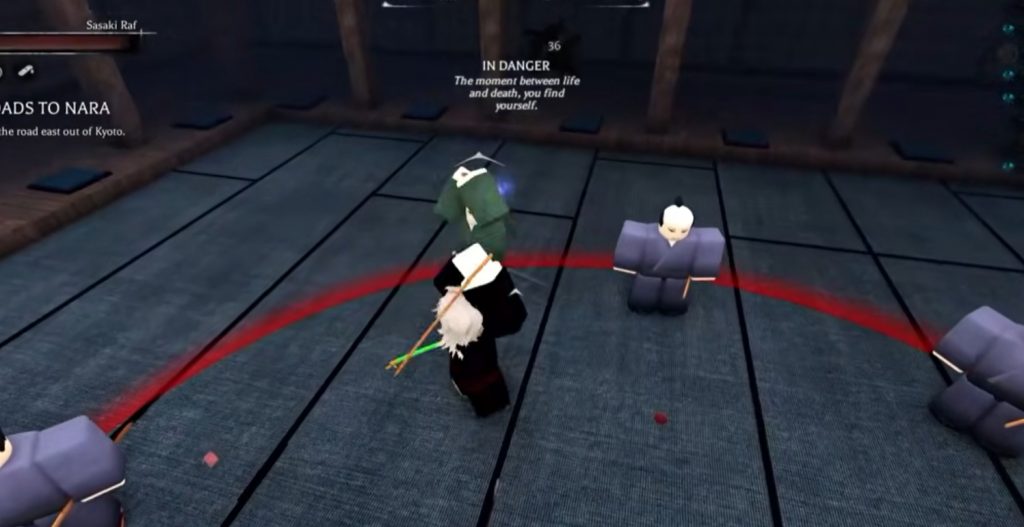
Getting comfortable with the controls in Dokkodo is one of the first real steps toward improving your gameplay. The game relies heavily on timing, movement, and reaction-based combat, so even small inputs like dodging or blocking at the right moment can decide a fight.
Before thinking about builds or progression, it’s important to understand how every basic control works and how they connect during combat. Once you get used to the control layout, the game starts to feel much smoother and more responsive, especially during duels and group fights.
Basic Combat Controls You Need to Learn
Combat in Dokkodo is built around light attacks, blocking, and precise timing. Each input has a clear purpose, and learning when to use them is more important than simply memorizing buttons. Core combat controls include:
- Left mouse button for light attacks
- Right mouse button to block or parry
- R key for critical attacks
Light attacks are your main source of damage and are used to build pressure on opponents. Blocking with the right mouse button helps reduce incoming damage, but the real skill comes from parrying at the correct timing.
A successful parry can interrupt an enemy’s attack and create an opening for counterattacks. Critical attacks using R are slower but deal higher impact, making them useful when you catch an opponent off guard.
Movement Controls and Combat Mobility
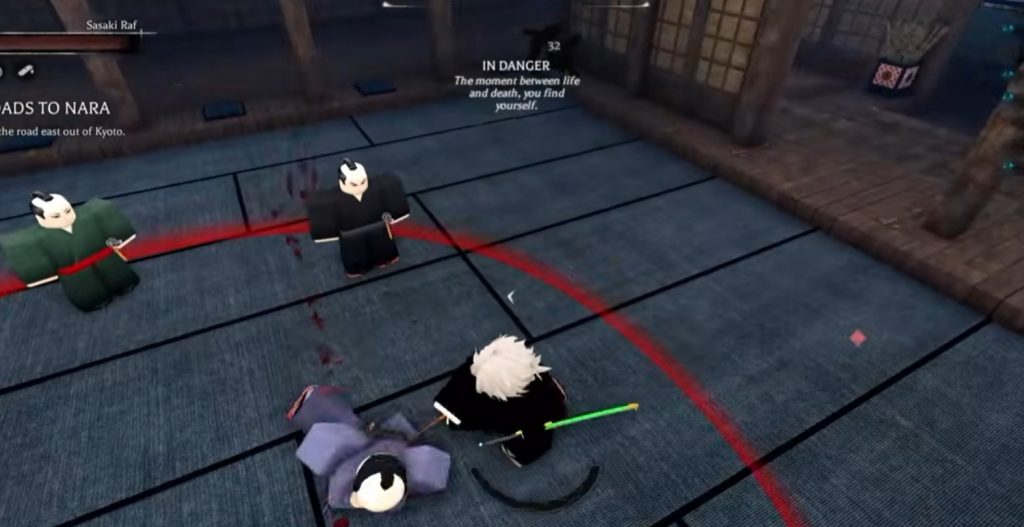
Movement plays a major role in survival and positioning. You are not meant to stand still during fights, and the game encourages constant movement to avoid predictable patterns.
Key movement controls include:
- Double-tap W to sprint
- Q for dash movement
- Double Q to roll
Sprinting helps you close distance or escape quickly, while dashing is more controlled and used for short repositioning. Rolling is especially useful when you need to avoid heavy attacks or reset your positioning during intense fights. Good players often mix all three movement options depending on the situation, rather than relying on just one.
Camera and Targeting Controls
Understanding camera control is just as important as combat mechanics. Dokkodo uses different locking systems to help you track enemies and maintain awareness during fights.
Important targeting controls include:
- Left Shift for player lock-on
- Left Alt for shift lock mode
Locking onto a player helps you keep your attacks focused and prevents your camera from drifting during combat. Shift lock, on the other hand, gives a more stable combat view, which is useful for precision-based fighting and timing parries. Learning when to toggle between free camera and locked camera will significantly improve your reaction time.
Weapon and UI Controls
Beyond combat and movement, there are several utility controls that help you manage your character and equipment. Key utility controls include:
- F to switch sword stances
- Tab to open inventory
- M to open map and sense mode
Switching stances with F allows you to change your fighting style depending on the weapon you are using. Some stances focus on speed, while others improve damage or defense. Managing your inventory with Tab is essential for organizing weapons, gear, and consumables. The map and sense feature (M) helps you locate important points like shrines, NPCs, and progression areas, making exploration much easier.
How to Combine Controls in Real Combat
Understanding each control individually is useful, but real improvement comes from combining them smoothly during fights. Combat in Dokkodo is fast-paced, so your inputs need to flow naturally rather than being used one at a time.
A typical combat flow might look like this:
- Close distance using sprint or dash
- Lock onto the enemy for better tracking
- Use light attacks to apply pressure
- Block or parry incoming attacks
- Roll away when under heavy pressure
- Switch stances when adapting to the situation
The key idea is adaptability. No single control wins fights on its own; instead, it is how you mix movement, attacks, and defense that determines your success.
Tips for Better Control Mastery
Improving control in Dokkodo is less about speed and more about consistency. Many beginners rush inputs and end up missing parries or wasting dodges. Helpful tips include:
- Practice parry timing against NPCs before PvP
- Avoid overusing dash and roll to prevent cooldown issues
- Learn one weapon stance first before switching frequently
- Focus on camera stability during combat
Once these basics become natural, you will notice a big difference in how smoothly fights play out.
The control system in Dokkodo is designed to reward precision and awareness rather than button spam. Once you understand how movement, combat, and targeting work together, the game becomes much easier to read and react to. Taking time to master the controls early will give you a strong foundation for everything else in the game, from dojo training to spirit progression and PvP encounters.
Dokkodo