


How to Request Promotion Task in VV Ultimatum Roblox Guide!
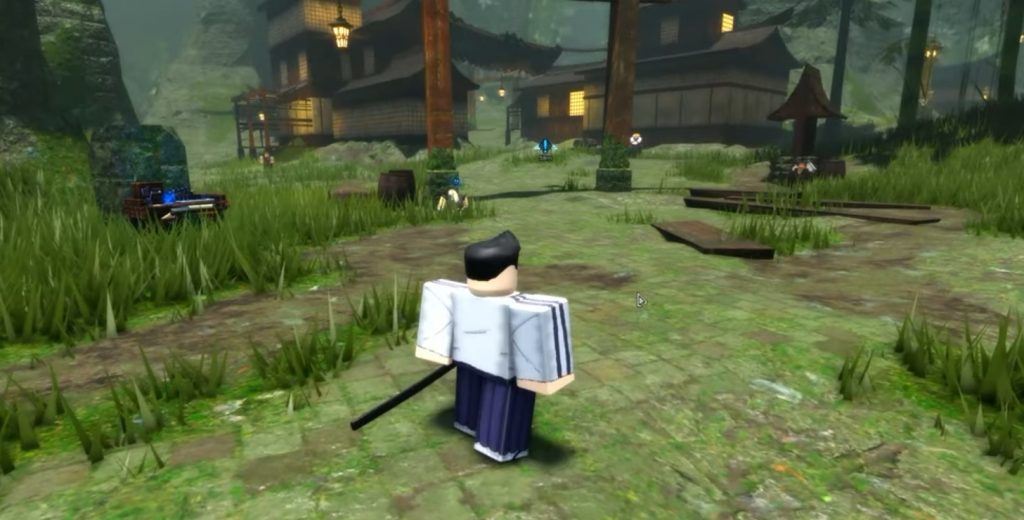
Ranking up in VV Ultimatum requires more than simply completing missions. Players must also request promotion tasks, but many newcomers have trouble finding where this option is located. The game doesn’t make the process very obvious, and quest markers can sometimes point players toward NPCs without explaining that another menu must be used. If you’re wondering how to start your next rank quest, here’s a complete guide on how to request a promotion task in VV Ultimatum.
Promotion Tasks Depend on Your Home World

Before looking for the promotion menu, it’s important to know that promotion tasks are tied to your faction or home world. For example, Shinigami players will perform this process inside Soul Society. Players belonging to other races or factions may see different menus or NPCs, but the overall process remains very similar. Because of this, don’t worry if your interface looks slightly different from other players. The key steps are the same regardless of your class.
Visit the Mission Desk Area
The promotion system starts near the mission desk in your home world. This area contains the NPCs and quest-related functions needed for ranking up. If this is your first promotion, you can simply head to the mission desk and look around the promotion section.
However, things become a bit more confusing once you’ve already started part of the promotion quest. In that case, the game’s quest marker may point you directly toward an NPC involved in the promotion chain instead of showing you where to accept the task itself.
Open Your Progression Menu
Many players get stuck because they only follow the marker and forget about the progression menu. For Shinigami players, you’ll need to open the Soul Pager. Inside this menu, navigate to the Promotion tab. Here, you’ll find an option labeled:
- Request Promotion Task
Selecting this button will assign a special mission required to increase your rank.
Step-by-Step Guide to Request a Promotion Task

Follow these steps if you’re unsure where to begin:
- Return to your home world.
- Go near the mission desk area.
- Follow any NPC markers if you’ve already started the promotion quest.
- Open your progression menu.
- Shinigami players should open the Soul Pager.
- Select the Promotion tab.
- Press the Request Promotion Task button.
- Complete the assigned objective to continue ranking up.
Why Players Miss This Option
The biggest issue with VV Ultimatum’s promotion system is that the game doesn’t clearly tell players to use the progression menu. Quest markers often focus on NPC locations, which leads many players to believe they are missing an NPC or that the quest is bugged. In reality, the promotion task button is hidden inside your faction’s menu, making it easy to overlook if you’re only following the map marker.
Requesting a promotion task in VV Ultimatum is actually straightforward once you know where to look. Simply return to your home world, visit the mission desk area, and access the Promotion tab through your progression menu. For Shinigami players, this means opening the Soul Pager and selecting Request Promotion Task. Once you know about this hidden menu, ranking up becomes much easier and you can continue progressing through your faction without getting stuck searching for missing NPCs.
VV Ultimatum