


All Shindo Life Secret Commands Guide!
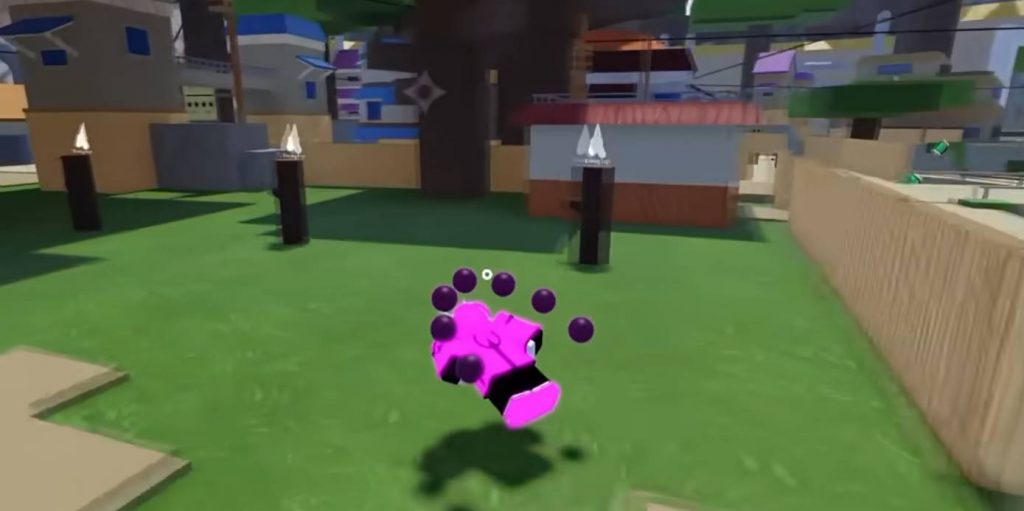
Shindo Life includes several hidden commands that many players never discover. These secret commands let you customize your tailed beast, change your village headband, modify certain weapons, customize your puppet, and even unlock special features that aren’t explained anywhere in the game. If you’re looking to personalize your character or simply try some fun hidden mechanics, here’s a complete guide to every secret command currently available in Shindo Life.
How to Use Secret Commands
Most secret commands are entered through the in-game chat. Simply open the chat box, type the command exactly as shown, and press Enter. Some commands only work if you own specific Bloodlines, Tailed Beasts, weapons, or Martial Arts.
Complete List of Secret Commands
Here are all the hidden commands covered in this guide:
!spirit— Enter the Spirit Realm.!spirit off— Exit the Spirit Realm.!berserk— Activate Berserk mode.!tentacion— Unlock the Gen 2 Baryon-style form.!dog— Customize the Okami companion.!village [Village Name]— Change your headband village.!cross off— Remove the cross from your headband.!cross on— Add the cross back.!renaxe green— Set Ren Axe to green.!renaxe ruby— Set Ren Axe to ruby.!renaxe gold— Set Ren Axe to gold.!renaxe random— Randomize the Ren Axe color (requires Robux).!puppet— Open the Puppet customization menu.!cmds— View all available commands.
Spirit Command
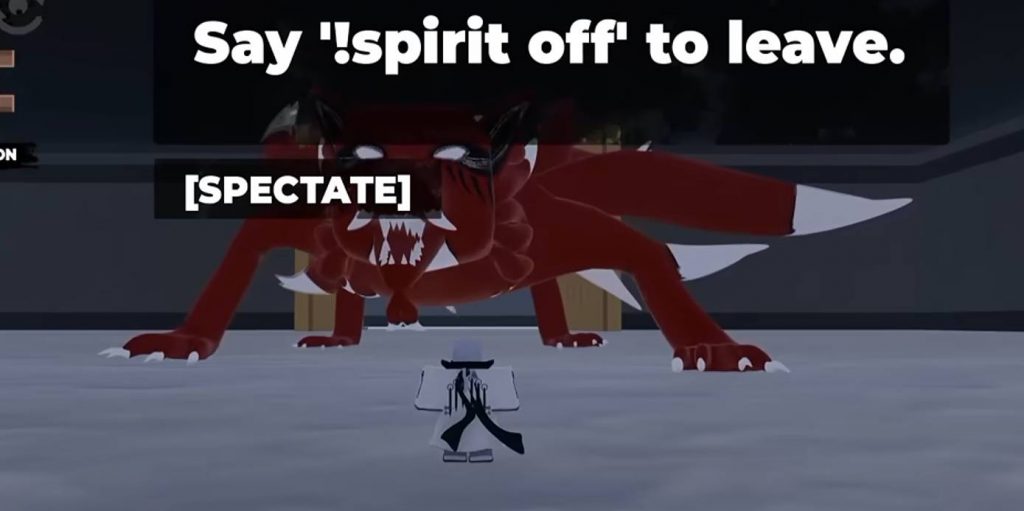
The Spirit command is one of the most useful hidden features for players using Generation 1 or Generation 2 Tailed Beasts.
Command
!spirit
Using this command sends your character to the Spirit Realm, where you can interact with your Tailed Beast. Inside the Spirit Realm, you can:
- Talk to your Tailed Beast
- Randomize your aura color
- Preview different aura appearances
If you don’t like the current color, simply use the Randomize option until you find one you prefer.
Exit Spirit Realm
!spirit off
This returns your character to the normal world.
Note: This feature does not appear to work with Generation 3 Tailed Beasts.
Berserk Command
Want to see your Tailed Beast lose control? The Berserk command makes your character enter an uncontrolled state.
Command
!berserk
After activating it, your character automatically attacks nearby targets using equipped abilities. It’s mostly a fun feature rather than something used for normal gameplay.
Hidden Tailed Beast Dialogue
Inside the Spirit Realm, players can also access a small dialogue mini-game with their Tailed Beast. Depending on your answers, you’ll receive either:
- Correct Response
- Incorrect Response
Currently, this feature doesn’t provide major gameplay rewards, but it’s an interesting hidden mechanic for Tailed Beast users.
Tentacion Command (Baryon Mode)
Players using Generation 2 Tailed Beasts can unlock a special transformation.
Command
!tentacion
This activates the special Baryon-style form, allowing players to access additional abilities.
Features include:
- New transformation
- Special Z Spec
- Q Spec attacks
- Enhanced combat abilities
Generation 3 users cannot activate this form using the command. Instead, they must use the normal transformation controls during gameplay.
Okami Dog Color Command
Players with the Okami Bloodline receive a companion dog. You can change its color using the customization command.
Command
!dog
This opens the dog customization menu.
Keep in mind:
- Changing colors costs 20 Robux
- Multiple color options are available
Change Your Village Headband
Many players don’t realize they can swap the village symbol shown on their headband.
Command
!village [VillageName]
Example:
!village Nimbus
or
!village Tempest
The headband logo changes immediately after entering the command.
Remove or Add the Cross on Your Headband
If your headband has a cross, you can hide or restore it.
Remove Cross
!cross off
Add Cross
!cross on
This only changes the appearance of the headband and has no gameplay effect.
Ren Axe Color Commands
Players who own the Ren Axe can switch between several weapon colors. The Ren Axe is obtained by defeating the Riki Boss in Vinland.
Green (Default)
!renaxe green
Ruby
!renaxe ruby
Gold
!renaxe gold
Each color also changes the weapon’s visual effects during attacks.
There is also another command:
!renaxe random
However, using the random option requires Robux.
Puppet Customization Command
Players using Puppet Art can customize their puppet’s appearance. First, equip Puppet Art, then enter:
!puppet
The customization menu allows you to change several parts of your puppet, including:
- Masks
- Heads
- Hairstyles
- Cloaks
- Accessories
Once you’re happy with the design, simply save your changes before leaving the menu. This is one of the most detailed customization systems available in Shindo Life.
View Every Available Command
If you forget a command, the game also includes a built-in command list.
Open Command List
!cmds
This displays every available command your character can currently use. To close the menu, simply use the same command again.
Shindo Life has plenty of hidden commands that can make the game more enjoyable beyond regular combat. Whether you want to customize your Tailed Beast’s aura, unlock the Gen 2 Baryon-style transformation, change your village headband, recolor your Ren Axe, or redesign your Puppet Art companion, these commands offer features that many players overlook. Since the developers occasionally add or update hidden commands, it’s also worth checking the in-game !cmds menu after major updates to see if any new options have been added.