


Roblox Wonderland Official Discord, Wiki, Trello, Roblox Group, and Game Links
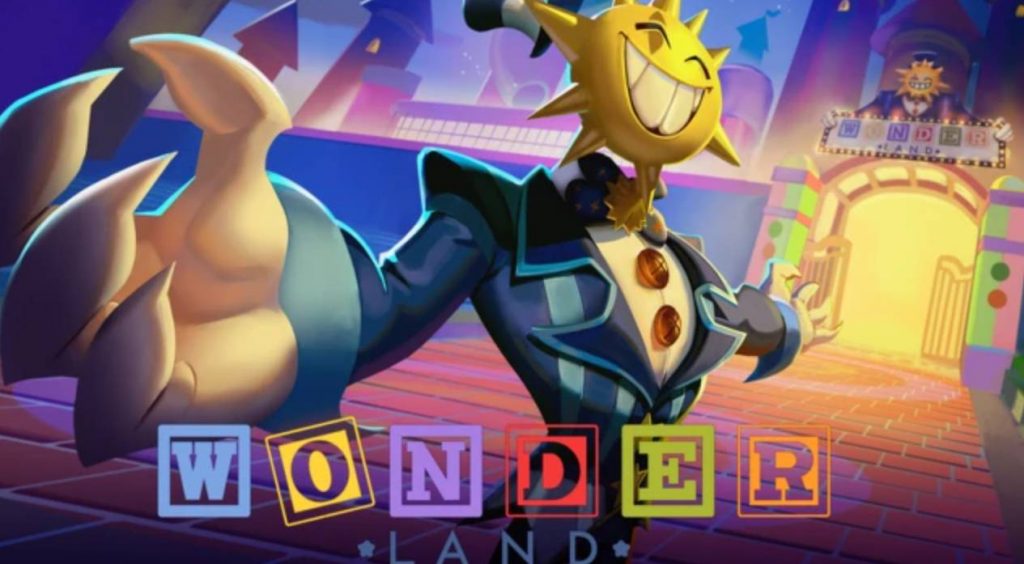
If you’re getting ready to play Wonderland on Roblox, it’s worth bookmarking the game’s official community pages. From announcements and update news to gameplay guides and future redeemable codes, these resources will help you stay informed as the game continues to grow. This guide covers the most important Wonderland links, explains what each resource offers, and answers common questions about the game’s Discord, Wiki, Trello, and Roblox group.
Official Wonderland Community Links
Here are the main community resources players should follow before and after Wonderland launches.
- Official Wonderland Discord – The best place for announcements, update news, sneak peeks, giveaways, events, and community discussions.
- Wonderland Wiki – An unofficial database containing gameplay information, guides, codes, and general game details.
- Wonderland Upcoming Games Page – A preview page introducing the game’s story, cooperative gameplay, and randomized mechanics.
- ScaryPlay Roblox Group – The official Roblox group managed by the developers behind Wonderland.
- Official Wonderland Trailer – Features gameplay footage, monsters, puzzles, and the game’s creepy amusement park setting.
- Official Roblox Event Page – Displays the game’s launch event and release countdown before the experience becomes publicly available.
- Wonderland Trello – There is currently no verified official Trello board.
Following official sources is the safest way to receive accurate information and avoid fake community pages.
Why Join the Wonderland Discord?
The official Discord server is the fastest source for game news.
Since Wonderland is designed around randomized gameplay and cooperative survival, players are expected to discover new mechanics, monster behaviors, and puzzle solutions together after launch.
The Discord is likely to receive updates before other platforms whenever the developers release new content or fix issues.
What Can You Find on the Discord?
Joining the community server gives players access to a variety of useful information, including:
- Release announcements
- Update news
- Future redeemable codes
- Sneak peeks
- Event information
- Gameplay discussions
- Bug reports
- Community feedback
Players can also use the server to ask questions, share strategies, and find teammates for cooperative runs.
Because every playthrough features randomized events, many players will likely use Discord to compare experiences and help each other solve puzzles.
Find Teammates for Co-op
Wonderland supports cooperative gameplay for up to five players.
The Discord is expected to become one of the easiest places to recruit teammates, especially during the first few weeks after launch when players are still learning the game’s mechanics.
Whether you’re looking to complete difficult puzzles or survive dangerous monster encounters, playing with a coordinated group can make progression much easier.
Does Wonderland Have an Official Trello?
At the time of writing, Wonderland does not have a verified official Trello board.
While many Roblox games use Trello to organize game information, the developers haven’t released one for Wonderland.
Players should avoid unofficial Trello links unless they have been shared directly by the development team through official channels.
What Could a Wonderland Trello Include?
If the developers decide to create an official Trello in the future, it could organize many gameplay systems in one location.
Possible categories might include:
- Monsters
- Maps
- Objectives
- Puzzle mechanics
- Escape routes
- Items
- Controls
- Badges
- Co-op mechanics
- Update history
- Codes
However, since Wonderland focuses heavily on exploration and discovery, the developers may intentionally avoid revealing every mechanic through a public Trello.
Is There a Wonderland Wiki?
Yes.
Although there isn’t an official developer-managed Wiki yet, an unofficial Wonderland Wiki is already available for players.
The Wiki serves as a growing knowledge base covering many aspects of the game, including:
- General gameplay information
- Monsters
- Codes
- Mechanics
- Basic guides
- Update information
As more players explore the game after launch, the Wiki is expected to expand with additional details and strategies.
What Makes the Wiki Useful?
Unlike Discord conversations that move quickly, the Wiki organizes information into searchable pages.
Players can quickly look up:
- Puzzle solutions
- Monster information
- Gameplay mechanics
- Future updates
- Frequently asked questions
- Community discoveries
It’s especially useful for new players who want clear explanations without scrolling through thousands of chat messages.
Why These Resources Matter
Wonderland isn’t designed as a straightforward horror game with one fixed storyline.
Instead, each session features randomized elements that can change the experience from one run to the next.
Because of this, community resources become extremely valuable for learning about:
- Different monster behaviors
- Puzzle strategies
- Hidden mechanics
- Random events
- Escape techniques
- Future content updates
Staying connected with the official community can make learning the game much easier.
As Wonderland prepares for launch, keeping up with its official community resources is one of the best ways to stay informed. The Discord server will likely provide the fastest updates for announcements, events, and future codes, while the Wiki offers an organized place to learn about the game’s mechanics, monsters, and puzzles. Although an official Trello isn’t available yet, the current resources should be more than enough to help players navigate Wonderland’s ever-changing horror adventure.
Wonderland