


How to Get the Community Rewards Code in +1 Speed Monkey Escape Guide!
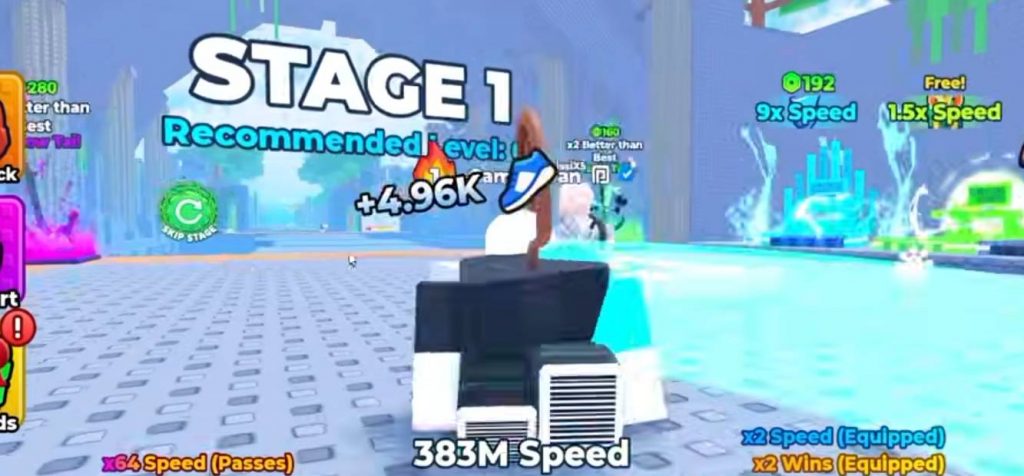
The Community Rewards code in +1 Speed Monkey Escape gives players access to several free rewards. However, the code is not simply shown inside the Roblox game. You need to join the game’s Discord server and use a command to receive the current reward code. The process is fairly simple and only takes a few steps. Once you have the code, you can return to Roblox, enter it in the game’s redemption menu, and claim the available community rewards.
Join the +1 Speed Monkey Escape Discord
The first thing you need to do is join the official Discord server for +1 Speed Monkey Escape. This is where the developers provide the Community Rewards code. Open Roblox and find +1 Speed Monkey Escape. From there, look for the game’s Discord link and join the server. You need to be inside the Discord server before you can request the reward code.
Use the Get Code Command
After joining the Discord server, look for the reward code channel. This is where you can request the current Community Rewards code.
- In the channel, use the following command:
/getcode
Send the command and wait for the server to provide the current reward code. The code generated through this command is the one you need to use inside +1 Speed Monkey Escape.
How to Redeem the Community Rewards Code
With the code copied, open the game’s code redemption menu. Follow these steps:
- Launch +1 Speed Monkey Escape on Roblox.
- Open the code or rewards menu.
- Enter the Community Rewards code from Discord.
- Click Redeem.
- Wait for the confirmation message.
- Collect your rewards.
If the code is accepted, you should see a confirmation showing that the reward has been claimed.
What Do You Get From the Community Reward?
The Community Rewards code unlocks multiple rewards for players. The exact rewards can depend on the current community reward available in the game. After successfully redeeming the code, the rewards should be added to your account automatically. This makes the Discord server useful if you want to keep up with new community rewards and other announcements.
Why You Need the Discord Server
The main reason you need the Discord server is that the Community Rewards code is obtained through the /getcode command. You cannot simply guess the code from inside the Roblox game.
This also means the code can change when a new community reward becomes available. If an old code stops working, returning to the Discord reward channel and using /getcode should give you the current code.
Community Rewards Code Not Working?
If the Community Rewards code does not work, first make sure you copied it correctly from Discord. Check for missing characters or extra spaces before trying again. You should also make sure you are using the latest code. Community reward codes can change, so an older code may no longer be valid. If you already redeemed the reward on your Roblox account, trying the same code again may also fail because the reward has already been claimed.
Getting the Community Rewards code in +1 Speed Monkey Escape is quite easy once you know where to find it. First, join the game’s Discord server, enter the reward code channel, and use /getcode to receive the current code.
After that, copy the code, return to Roblox, enter it in the game’s redemption menu, and click Redeem. Once the code is accepted, the available Community Rewards will be added to your account.
+1 Speed Monkey Escape!