


How to Create a Character in OC NPC Playground Roblox Guide!
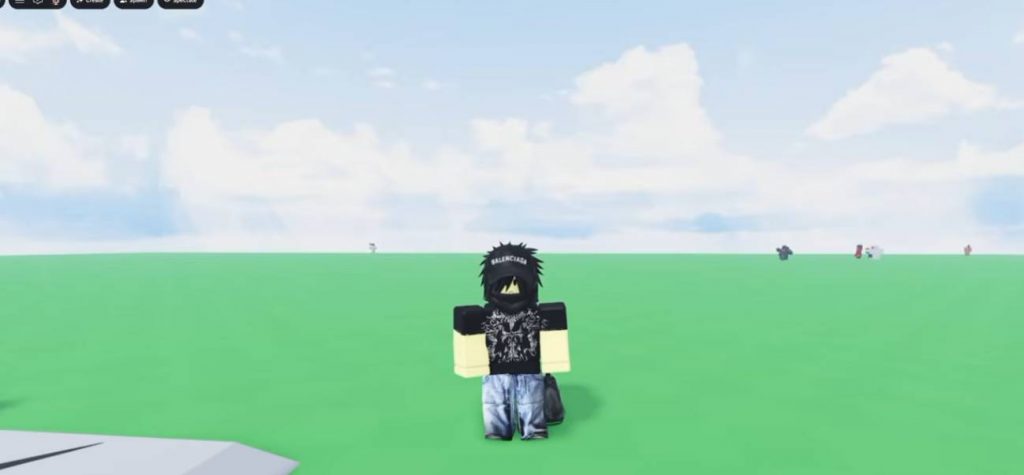
Creating your own character in OC NPC Playground can be much easier when you know how to use the character and dialogue settings correctly. Instead of filling everything out from scratch, you can use ChatGPT to help organize the information and then copy it into the game. This method is useful if you want to create an NPC based on a famous character, superhero, anime character, or even your own original idea.
Take Screenshots of the Character Creation Menu
First, open OC NPC Playground on Roblox and go to the Create option in the top-left corner. This is where you can build your custom NPC. Before filling anything in, take screenshots of the character creation sections. Make sure the screenshots clearly show the available fields and the dialogue section. These images will help ChatGPT understand what information the game requires.
Take screenshots of:
- The character information section.
- The dialogue section.
- Any other important fields that need to be completed.
Having clear screenshots makes the next step much easier because you can use them as a reference.
Use ChatGPT to Fill in the Character Information
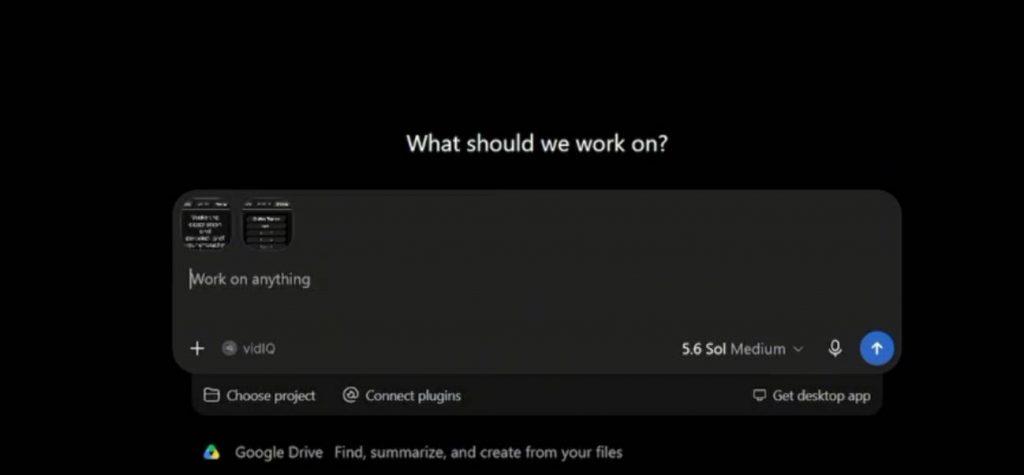
Once you have your screenshots, upload them to ChatGPT. Tell it that you are creating a character for OC NPC Playground and explain which character you want to make. For example, you could use a prompt like:
I’m playing a Roblox game called OC NPC Playground. I want to create Homer Simpson. Can you fill in the character information and dialogue based on these screenshots?
ChatGPT can then use the screenshots to understand the required fields and create information that fits them. You can do this with almost any character idea. For example, you could create:
- A superhero.
- An anime character.
- A movie character.
- A game character.
- A fictional NPC.
- An original character.
After ChatGPT generates the information, copy each part and place it into the matching fields inside OC NPC Playground.
Add the NPC Dialogue
The dialogue is another important part of creating your character. This determines how your NPC interacts with players.
If ChatGPT gives you several dialogue topics, copy them one by one into the correct dialogue fields. Make sure each topic is placed in the matching section rather than putting everything into one box.
For example, you may receive:
- Topic 1.
- Topic 2.
- Topic 3.
Copy each topic into the appropriate field in the game. You can also ask ChatGPT to make the dialogue match the personality of your character. This can make the NPC feel much more natural when players interact with it.
Customize the Character’s Appearance
After entering the character information and dialogue, you can move on to the appearance.
Use the appearance options to create a look that matches your character. If you’re making an existing character, search through the available clothing and accessories to find items that look similar.
For example, if you’re creating Homer Simpson, you could look for clothing that resembles his usual outfit.
You can change things such as:
- Clothing.
- Hair.
- Accessories.
- Body appearance.
- Other available character customization options.
You don’t necessarily need to make the character exactly the same. The goal is to create an appearance that players can easily recognize.
Save and Spawn Your Character
Once everything looks good, save your character. After saving, you should be able to spawn the NPC into the game.
Your newly created character will then appear in the world as an NPC. You can walk up to it and interact with it just like other interactive characters.
For example, if you created Homer Simpson, you can spawn the NPC and start a conversation with it. The dialogue you entered earlier will determine how the NPC responds.
This is where you can check whether everything works correctly. If something doesn’t look right, you can return to the character creation menu and make changes.
Tips for Making Better NPCs
Creating the character is only the first part. A few simple adjustments can make your NPC more interesting and enjoyable to interact with.
Try these tips:
- Match the personality: Make the dialogue fit the character you’re creating.
- Keep dialogue readable: Avoid making every response extremely long.
- Use multiple topics: Give players different things to talk about.
- Match the appearance: Choose clothing and accessories that resemble the character.
- Test the NPC: Always interact with the NPC after spawning it.
- Make changes when needed: If the dialogue or appearance feels wrong, edit it and try again.
Creating a custom character in OC NPC Playground is fairly simple once you understand how the creation system works. The easiest method is to take screenshots of the required fields, upload them to ChatGPT, and ask it to generate the character information and dialogue for you.
After that, copy the generated details into the game, customize the appearance, save your character, and spawn the NPC. You can then interact with your creation and make further changes until it looks and behaves the way you want.
OC NPC Playground