


Gangster Mirage City Server Problem Solution
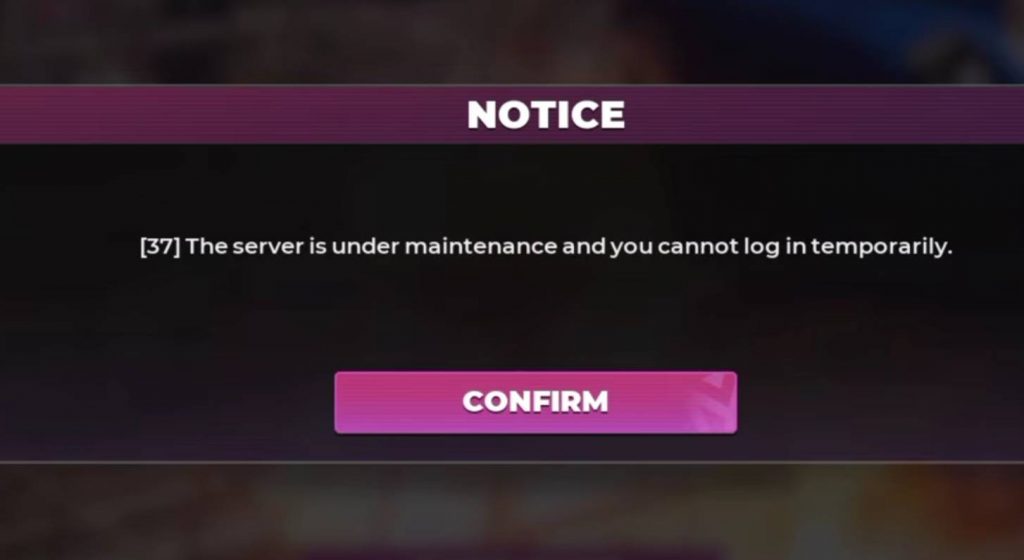
If you are trying to play Gangster Mirage City but cannot get into the game, there is no need to immediately assume that your phone or internet connection is the problem. When the game first becomes available, players may see a message saying “The server is under maintenance and you cannot login temporarily.” This means the game server is not ready for players yet.
Why Can’t I Login to Gangster Mirage City?
The login problem happens because the Gangster Mirage City servers are still being prepared before the game officially becomes available. When you try to enter the game during this period, the maintenance message will appear and temporarily prevent you from logging in.
When the message appears, press the Confirm button. An announcement window will then appear with information about the server opening schedule. Because of this, you do not need to immediately reinstall the game or clear its data.
How to Check the Gangster Mirage City Server Opening Time
After pressing Confirm, you can check the announcement shown inside the game. The announcement provides information about when the Gangster Mirage City server will become available.
The information in the announcement states that the servers will go live on August 20 at 2:00 UTC. You can also select the The City Opening Soon section to view the same server-opening information.
The time is displayed using UTC (Coordinated Universal Time), so players need to convert it to their local time depending on their location.
What Time Does Gangster Mirage City Server Open?
According to the announcement, Gangster Mirage City is scheduled to open at 2:00 UTC on August 20. For example, the same time is:
- India: 7:30 AM IST
- Western Indonesia (WIB): 9:00 AM
- Central Indonesia (WITA): 10:00 AM
- Eastern Indonesia (WIT): 11:00 AM
This means players should try logging into the game after the server opening time for their region. Keep in mind that the actual opening can sometimes be delayed if the developers need additional time for server maintenance.
What to Do If Gangster Mirage City Still Won’t Login
If the scheduled server opening time has already passed but you still cannot enter the game, you can try a few simple solutions. Newly launched games can experience heavy traffic because many players attempt to access the server at the same time. Try these steps:
- Completely close Gangster Mirage City and open it again.
- Check whether your internet connection is stable.
- Switch between Wi-Fi and mobile data if necessary.
- Check for a new game update.
- Restart your smartphone.
- Wait several minutes after the announced opening time.
- Try logging in again later if the server is overloaded.
- Check whether another maintenance notice appears in the game.
Is the Server Problem Caused by Your Phone?
Usually, no. If the game specifically displays a message saying that the server is under maintenance, the problem is most likely related to the game server rather than your smartphone.
This is especially common when a new game is being launched. A large number of players may try to access the game at the same time, which can cause additional server maintenance or temporary login problems.
For this reason, you should check the server status and opening schedule before reinstalling the entire game.
When Can You Play Gangster Mirage City?
Based on the announcement shown in the provided information, the Gangster Mirage City server was scheduled to go live on August 20 at 2:00 UTC. After that time, players should have been able to enter the game as long as there were no additional maintenance periods or changes to the launch schedule.
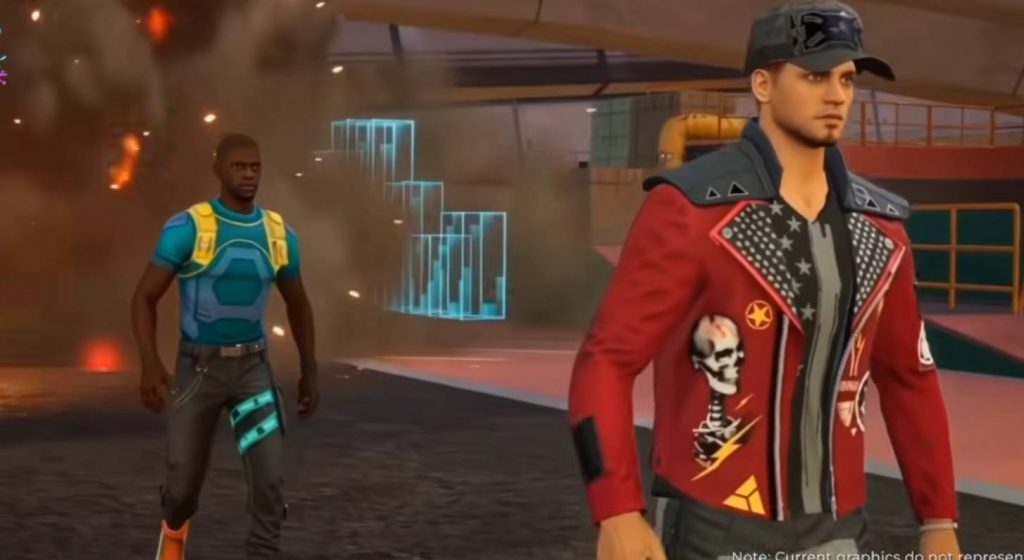
The game has also attracted attention because of its open-world gangster theme on mobile. Some players have compared it to a GTA-style experience because of its open-world gameplay and overall concept.
If Gangster Mirage City shows the message “The server is under maintenance and you cannot login temporarily,” there is usually nothing wrong with your phone. The message simply means that the game server is not available yet.
Press Confirm and check the announcement for the official server opening time. Once the scheduled time has arrived, restart the game and try logging in again. If you still cannot enter, check your internet connection, update the game, and wait for a while in case the developers are dealing with heavy server traffic or additional maintenance.
Gangster Mirage City