


All Commands in Command an Army Guide, What Each One do!
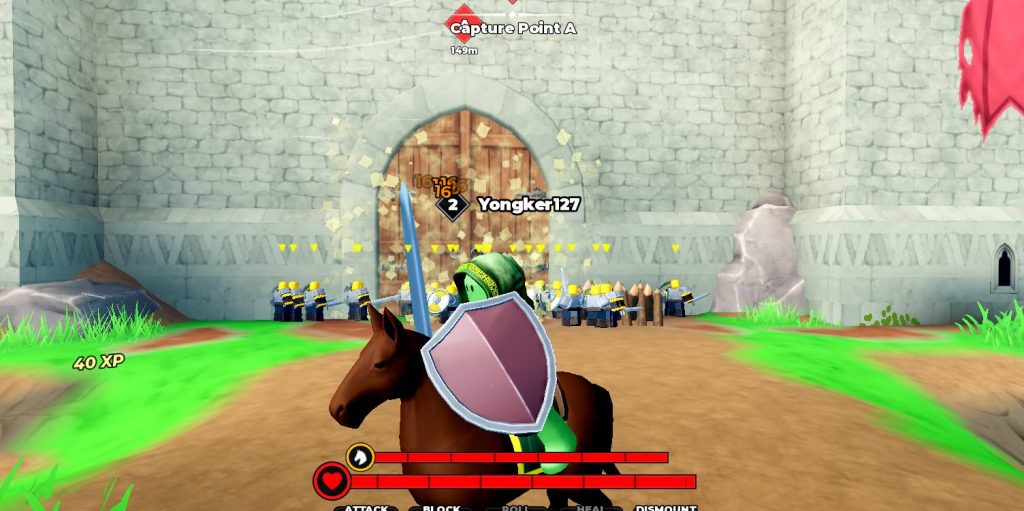
Command an Army is built around more than simply running into enemies and attacking them. Your troops can be given different commands that change how they move and fight. Learning these commands is important because the right order can help your army attack, defend, or reposition without losing control of your troops. There are currently several important commands to learn, including Attack, Hold, Follow, Rush, and Aim. Each one has a different purpose, and knowing when to use them can make battles much easier.
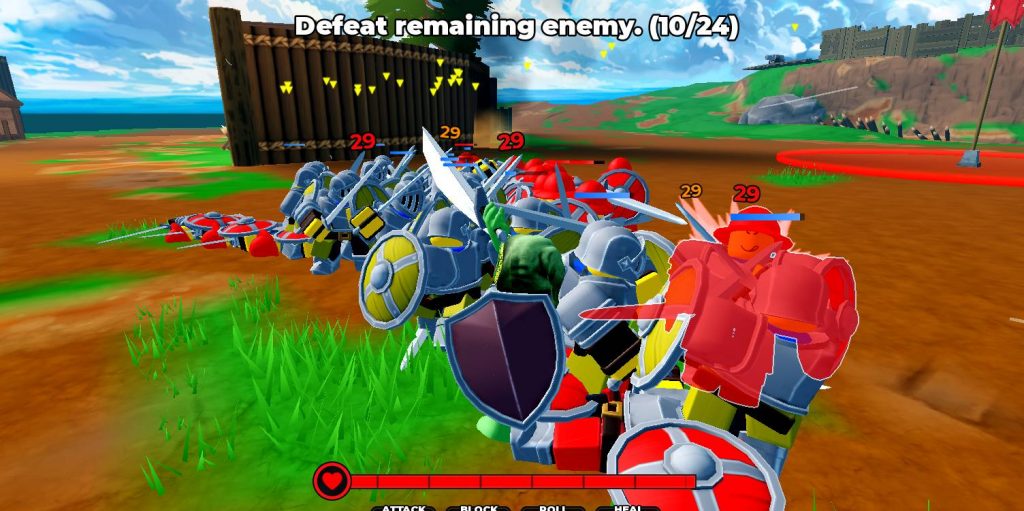
1. Attack
The Attack command tells your troops to engage nearby enemies. This is the basic command you’ll use when you want your army to actively fight instead of staying in one position.
Attack is useful when you’ve already found an enemy group and want your troops to focus on fighting them. You can also join the battle yourself while your troops attack, allowing you to add extra damage to the enemy formation.
Use Attack when:
- You have a clear enemy target.
- You want your troops to push forward.
- You’re fighting around an objective.
- You need to eliminate enemy troops quickly.
However, don’t blindly use Attack against every enemy you see. If the opposing army is much stronger, sending your entire group forward can result in your troops being wiped out.
2. Hold
The Hold command tells your troops to stay in their position while continuing to fight or defend. This is one of the most useful commands for players using ranged units.
Instead of allowing your archers or other ranged troops to constantly move toward enemies, you can order them to hold their position. This gives them a better chance to keep attacking from a safe distance.
Hold works particularly well with:
- Archers.
- Crossbowmen.
- Other ranged troops.
- Defensive positions.
- Objective defense.
For example, if you’re protecting a capture point, placing ranged troops behind your frontline and using Hold can be much better than allowing them to charge directly into melee combat.
3. Follow
The Follow command makes your troops follow your character. This is one of the first commands new players should learn because it gives you direct control over where your army moves.
When your troops are scattered across the battlefield, use Follow to gather them back around you. You can then move toward another objective or enemy position as a group.
Follow is useful when:
- Moving between objectives.
- Gathering your army.
- Preparing for an attack.
- Escaping from a dangerous area.
- Moving toward a capture point.
You can also use Follow before starting an attack so that your troops are grouped together rather than arriving at different times.
4. Rush
Rush tells your troops to quickly move toward the enemy or push forward aggressively. It’s especially useful when the opposing side is retreating and you want to take advantage of their position.
A good opportunity to use Rush is when an enemy formation has already lost a large amount of health or begins falling back. Rather than giving them time to recover, you can send your troops forward and try to finish the fight.
Rush can be useful for:
- Chasing retreating enemies.
- Breaking through enemy lines.
- Quickly reaching an objective.
- Pressuring a weak enemy formation.
- Starting an aggressive push.
Be careful when using Rush, though. Moving too far ahead can separate your troops from the rest of your team and leave them vulnerable to a counterattack.
5. Aim
The Aim command is useful when you need more control over where your troops are focusing their attacks. It is particularly helpful when dealing with specific targets or trying to direct your army’s attention during a chaotic fight.
Instead of simply charging into a group, you can use Aim to help direct your troops toward the target you want them to deal with.
Aim can be useful when:
- Targeting an important enemy.
- Fighting around objectives.
- Directing attacks toward a specific area.
- Supporting an attack against a stronger player.
- Controlling ranged troops.
Combining Aim with ranged units can be especially useful because positioning matters more when your troops need to attack from a distance.
Best Commands for Beginners
If you’re new to Command an Army, you don’t need to master every command immediately. Start by learning the basic commands and gradually add the more situational ones to your gameplay.
A simple approach is:
- Follow — Gather and move your army.
- Attack — Engage enemies.
- Hold — Keep ranged troops in position.
- Rush — Push against weak or retreating enemies.
- Aim — Focus attacks toward important targets.
Once these commands become familiar, you’ll have much more control over your army during PvP battles.
Best Command Combinations
The real advantage comes from combining commands instead of relying on one order throughout an entire battle.
For example, you can start with Follow to gather your army, use Aim to prepare for an enemy target, and then switch to Attack once the fight begins. If the enemy starts retreating, use Rush to keep the pressure on.
For a defensive strategy, use Hold with ranged troops while your melee units protect them. This lets your archers or Crossbowmen keep attacking without immediately running into close-range combat.
Understanding the commands in Command an Army can make a bigger difference than simply collecting rare troops. Even a strong army can struggle if your units are constantly sent into bad positions or separated from the rest of your team.
For beginners, focus on mastering Follow, Attack, and Hold first. Once you’re comfortable controlling your army, start using Rush, Aim, and Randomize Attack depending on what is happening around you.
The most important thing is to adapt your commands to the situation. Keep ranged units protected, gather your troops before major pushes, and don’t rush into battles where your army is clearly outmatched.
Command An Army