


How to Get the Noob Attack Item and Badge in The Hunt Roblox 20 Guide
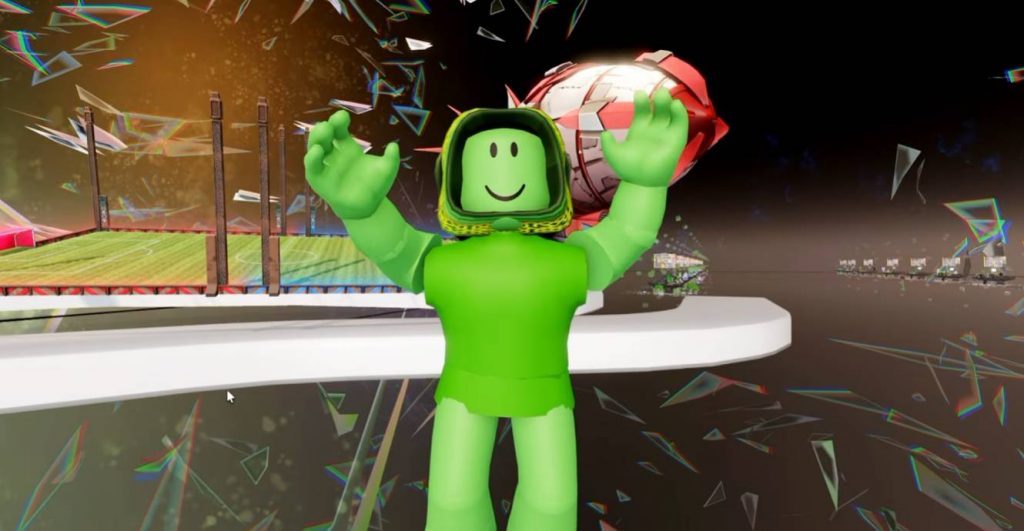
The Hunt: Roblox 20 has an exclusive birthday reward for players who complete the full event. One of the rewards is the Birthday Bash version of the Noob Attack item, featuring the classic noob theme with a birthday twist.
Unlike the individual game challenges, this reward requires you to make your way through all of the worlds available from The Hunt hub. You also receive the Birthday Bash badge after reaching the required final world.
What Is the Noob Attack Birthday Item?
The reward is a special birthday-themed version of the Noob Attack item. It follows the event’s Roblox 20 celebration theme, with the noobs bringing cake along for the birthday event. The item is tied to completing the overall Hunt 20 progression rather than one specific game challenge. This makes it different from rewards that are unlocked after finishing an individual game.
How to Get the Noob Attack Item
To unlock the Birthday Bash reward, you need to progress through The Hunt hub and complete all of the required games and worlds. The basic process is:
- Enter The Hunt: Roblox 20.
- Start completing the games available from the hub.
- Finish the required challenges in each world.
- Continue unlocking the remaining worlds.
- Reach the final world.
- Complete the event progression.
- Receive the Birthday Bash badge and Noob Attack birthday item.
You don’t necessarily have to complete the games in a specific order. However, you must complete all of the required games and worlds accessible through the hub before you can reach the final stage.
Reach the Final World
The most important requirement is reaching the final world of The Hunt 20.
If you have previously reached this area but didn’t receive the reward, the server may not have been updated when you completed the event. The reward appears to be tied to updated servers, so joining the event again can help refresh your progress and trigger the reward.
After entering the final world on an updated server, check your inventory to see whether the Birthday Bash Noob Attack item has been added.
How to Get the Birthday Bash Badge
The same overall progression also awards the Birthday Bash badge.
After reaching the final stage, check the badge notification or your Roblox badge collection to confirm that it has been awarded.
If you already completed the event before the latest server update, you may want to rejoin The Hunt and enter the final world again. The badge and item can then appear if your previous completion qualifies.
What If You Already Reached the Final World?
You may not need to replay every challenge immediately.
If you have already completed the required games and reached the final world, first check your Roblox inventory for the Noob Attack birthday item.
The reward may have been added after the event server was updated. If you don’t see it, rejoin The Hunt and make your way back to the final world on an updated server.
This is especially useful for players who finished the event before the reward was properly activated.
Quick Noob Attack Hunt 20 Guide
For a quick overview, follow these steps:
- Enter The Hunt: Roblox 20.
- Complete the games available through the event hub.
- Progress through every required world.
- Continue until you unlock the final world.
- Enter the final world using an updated server.
- Check for the Birthday Bash badge.
- Check your inventory for the birthday-themed Noob Attack item.
Remember that the reward is connected to overall event completion, so completing only a few individual Hunt games will not be enough.
The Birthday Bash Noob Attack item is an overall completion reward for The Hunt: Roblox 20. To get it, players need to work through the games and worlds available from the main Hunt hub and eventually reach the final world.
If you already finished the event, check your inventory before replaying everything. The reward may already be waiting for you, especially after joining an updated server. Reaching the final world again can also help trigger the reward and Birthday Bash badge if they haven’t appeared yet.
Roblox