


Slayers 2 Private Server Commands Guide, How to Get and Use!
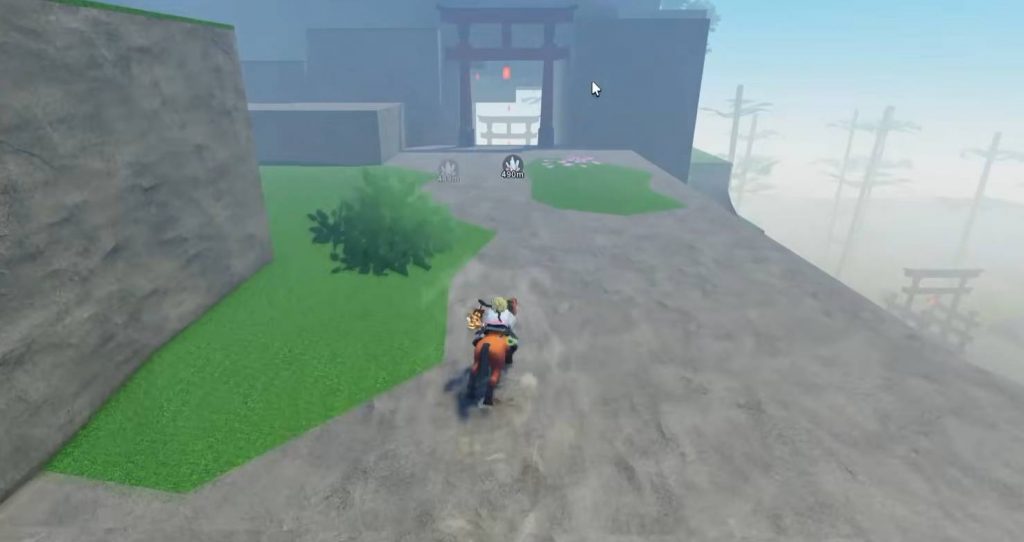
Slayers 2 private servers give you more freedom to control how your game session works. They are useful for training, PvP events, playing with friends, or managing players who cause problems. Server owners and moderators can use several commands directly through the in-game chat to control access, combat settings, players, and the server itself.
If you are planning to host a private event or simply want a quieter place to play, knowing these commands can make managing your server much easier. Some commands are available to moderators, while the most powerful options are limited to the server owner.
How to Use Slayers 2 Private Server Commands
Using a private server command is straightforward. Open the in-game chat and type the command exactly as it appears in the list above. If the command requires a player name, replace <player> with their actual name. For announcement commands, replace <message> with whatever you want to tell everyone.
For example, typing /kick George will remove George from the server. If you want to notify everyone about an upcoming event, you can use /announce PvP tournament starts in five minutes. The announcement will then appear for everyone currently playing in that private server.
Make sure you enter the commands correctly, especially when managing players. A mistake with a kick, ban, or access setting can affect the wrong player or prevent people from joining when you are trying to prepare an event.
Complete Slayers 2 Private Server Commands List
There are several commands available for Slayers 2 private servers, with each one serving a different purpose. Some are designed for player management, while others control who can enter the server or change how PvP and PvE work. Here is the complete list of commands and what each one does:
/kick <player>– Removes the selected player from the private server. The player can still join again unless they are banned./ban <player>– Permanently blocks a player from entering your private server. You can also use this command if the player is currently offline./unban <player>– Removes an existing ban and allows that player to return to the server./whitelist <player>– Adds a player to the whitelist, allowing them to enter even when normal server access is restricted./unwhitelist <player>– Removes a player from the server whitelist./mod <player>– Gives another player moderator permissions. This command can only be used by the server owner./unmod <player>– Takes moderator permissions away from another player. Only the server owner can use it./access closed– Closes the server to regular players. Whitelisted players can still enter./access friends– Changes the server access setting so eligible friends can join./access everyone– Opens the private server so everyone can access it./pvp on– Turns player-versus-player damage on./pvp off– Turns player-versus-player damage off./pve on– Enables NPCs throughout the server./pve off– Removes all NPCs from the server./announce <message>– Sends a message to everyone currently inside the server./shutdown– Removes every player and restarts the private server with a fresh session. Only the server owner can use this command.
Best Private Server Commands for PvP Events
The access, PvP, and PvE commands are especially useful when setting up custom events. You can close the server while preparing the area, disable NPCs to create a cleaner PvP environment, and then open the server once everything is ready. This gives you much better control over how the event starts.
A simple setup could look like this:
- Use
/access closedwhile preparing the event. - Use
/pve offto remove NPCs from the area. - Use
/pvp onwhen you are ready for combat. - Use
/announceto give players instructions. - Change access with
/access friendsor/access everyonewhen you want players to enter. - Use
/pve onagain if you want NPCs to return after the event.
This setup can also be useful for testing different builds without random players or NPCs getting in the way.
Owner and Moderator Permissions
Not every command is available to everyone with access to the private server. Moderators can help with player management, but some of the more important server controls are reserved for the owner.
The /mod and /unmod commands can only be used by the server owner, allowing the owner to decide who receives moderator permissions. The /shutdown command is also restricted to the owner because it immediately removes everyone from the current session and starts a fresh server.
Because of this, choose moderators carefully if you are running a large server or hosting an event. Giving moderator access to a trusted player can make player management easier, while keeping owner-only commands protected prevents major server settings from being changed without permission.
What Does the Shutdown Command Do?
The /shutdown command completely clears the current private server session. Everyone inside the server is removed, and the server starts again with a fresh session. Since this affects every player currently playing, it should only be used when you actually need to restart the server.
This can be helpful after changing settings or when you want everyone to start from a clean session. However, avoid using it during an active event unless you have already warned the other players, as everyone will be disconnected from the current session immediately.
Private server commands make it much easier to control your Slayers 2 sessions. Whether you are running a PvP tournament, testing a build, training with friends, or managing a group of players, the commands give server owners and moderators useful tools for keeping everything organized.
The most important commands to remember are /kick, /ban, /whitelist, /access, /pvp, /pve, /announce, and /shutdown. Once you understand what each command does, you can quickly adjust your server without having to rely on the normal game settings. With the right setup, a private server can give you a much cleaner and more controlled Slayers 2 experience.