


How to Unlock the Skelicorn Pet in Adopt Me! Guide
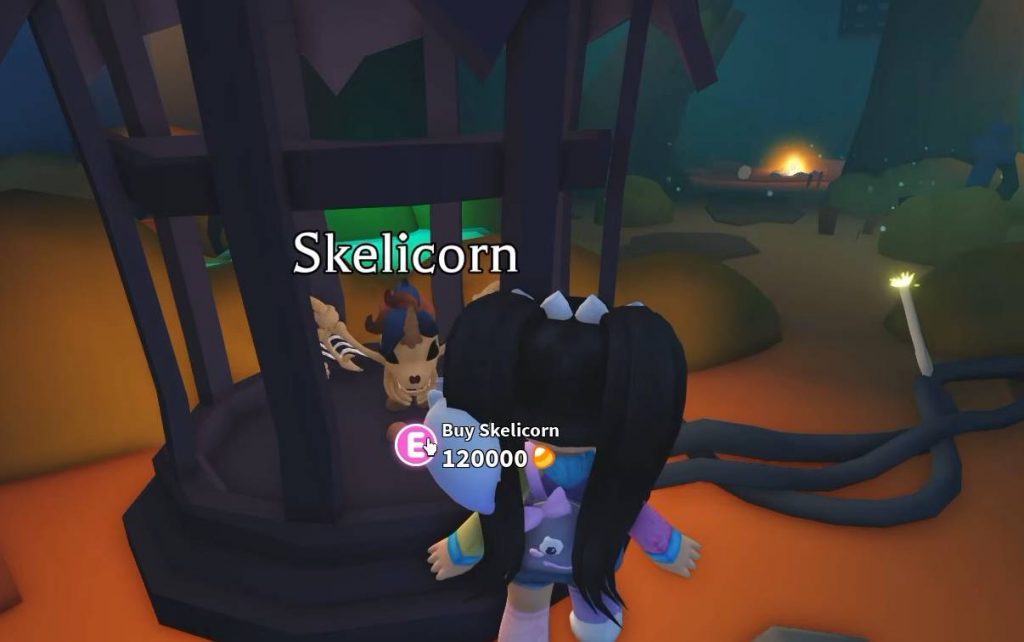
The Halloween event in Adopt Me! brings new pets, items, and activities for players to discover. One of the pets introduced during Week 2 is the Skelicorn, a skeleton-themed unicorn with a colorful mane. However, getting this pet requires more than just collecting Candy Corn, as you must first find a special item and use it to activate a machine.
To unlock the Skelicorn, you need to explore the Crypt, search for a Lightning Lever, and repair the machine near the Manor. Once you complete this task, the Skelicorn becomes available for purchase for 120,000 Candy Corn. Here is a step-by-step guide to help you find the required item and unlock this Halloween pet.
How to Find the Skelicorn in Adopt Me!
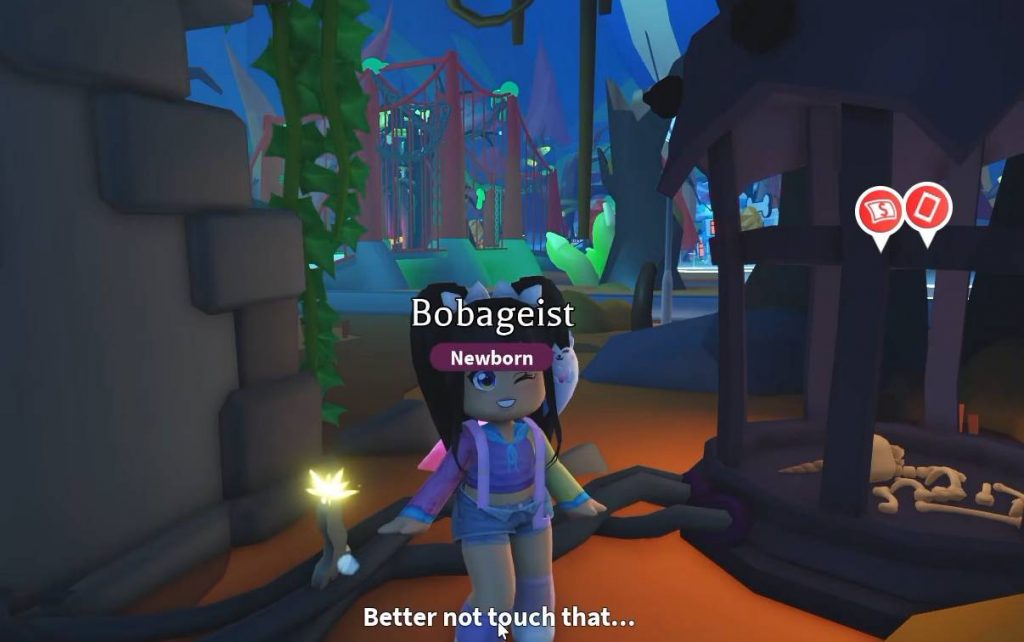
The first step is to locate the Skelicorn’s cage near the Manor. You can find it by following the event’s navigation sign and traveling to the Crypt area. Once you arrive, continue walking past the Manor until you reach the machine holding the Skelicorn.
You will notice that the machine is not working properly because a component is missing. Your goal is to find the Lightning Lever hidden inside the Crypt and bring it back to repair the machine. You cannot purchase the Skelicorn until you complete this step.
Follow these instructions to reach the machine:
- Launch Adopt Me! on Roblox during the Halloween event.
- Look for the event navigation sign and select the Crypt destination.
- Travel to the area near the Manor.
- Walk past the Manor until you find the Skelicorn inside its cage.
- Inspect the nearby machine to discover that it needs a Lightning Lever.
Once you find the machine, you can begin searching the Crypt for the missing part.
How to Get the Lightning Lever
The Lightning Lever is hidden inside one of the Crypt’s locked rooms. You will need Crypt keys to open these rooms and search for the item. However, not every room contains the lever, so you may need to explore several floors and use multiple keys before finding it.
The search can take some time because other rooms may contain Candy Corn instead. Keep collecting keys and opening available rooms until you discover the Lightning Lever.
Here is how to search for it:
- Enter the Crypt and explore the available rooms.
- Use your keys to unlock rooms and check their rewards.
- Continue exploring deeper floors if you cannot find the item.
- Look for the room containing the Lightning Lever.
- Collect the lever when you find it and check your inventory to confirm that you have it.
The Lightning Lever does not necessarily appear in the first room you open. The exact location may vary, so keep searching if you find Candy Corn instead. Make sure you have enough keys before starting because you might need several attempts to obtain the item.
How to Repair the Machine and Unlock the Skelicorn
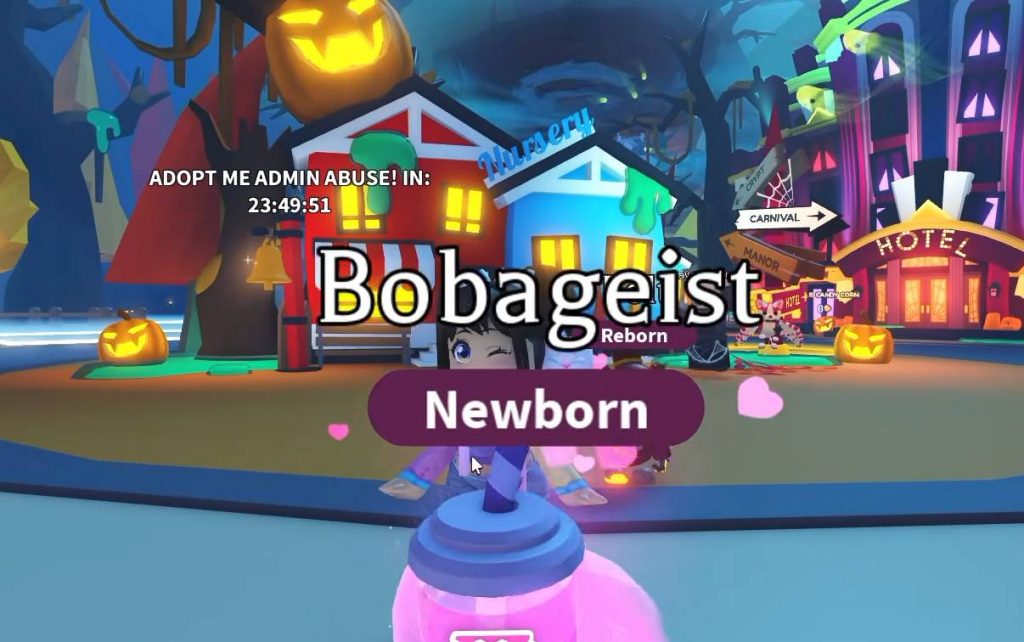
After obtaining the Lightning Lever, return to the machine near the Manor. You can use the event navigation route to reach the area again. Once you arrive, interact with the machine and install the missing component to activate it.
The machine will begin working again, bringing the Skelicorn back to life. After this interaction, the pet becomes available for purchase. You can then spend your Candy Corn to add it to your collection.
Follow these final steps:
- Leave the Crypt after collecting the Lightning Lever.
- Return to the machine near the Manor.
- Interact with the machine.
- Select the option to install the Lightning Lever.
- Wait for the machine to activate and revive the Skelicorn.
- Purchase the Skelicorn for 120,000 Candy Corn.
Once you have enough Candy Corn, you can buy the pet and find it in your inventory. If you have been collecting event currency throughout the Halloween event, check your balance before making the purchase.
How Much Does the Skelicorn Cost?
The Skelicorn costs 120,000 Candy Corn in Adopt Me! This makes it an expensive pet to collect, so you may need to spend time earning more event currency before you can afford it. Finding the Lightning Lever only unlocks the ability to purchase the pet; it does not give you the Skelicorn for free.
Before spending your Candy Corn, make sure you have enough for the purchase. You may also want to compare the Skelicorn with other Halloween pets if you are trying to complete your collection.
What Does the Skelicorn Look Like?
The Skelicorn is a Halloween-themed unicorn with a skeletal appearance and a colorful mane. Its design helps it stand out from the other pets available during the event. After unlocking it, you can add it to your collection and work toward creating Neon or Mega Neon versions if you obtain enough copies.
The Neon version features a glowing effect with orange and red colors, making the pet look different from its regular form. If you enjoy collecting unusual pets or building a Halloween-themed inventory, the Skelicorn can be a useful addition to your collection.
Unlocking the Skelicorn in Adopt Me! requires you to find the Lightning Lever inside the Crypt and use it to repair the machine near the Manor. You may need several keys to search different rooms before finding the missing component, so be prepared to spend some time exploring.
After repairing the machine, you can purchase the Skelicorn for 120,000 Candy Corn. Make sure you have enough event currency ready, and keep searching the Crypt until you find the lever needed to bring this Halloween pet to life.
Adopt Me