


10+ Chop a Forest Beginner Guide: Best Upgrades and Tips to Progress Faster
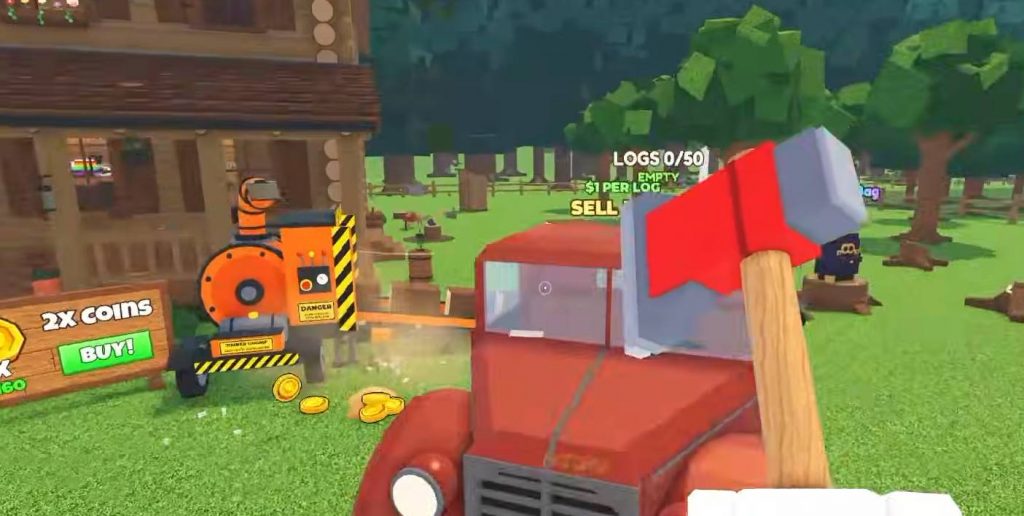
Chop a Forest is a Roblox game where players cut down trees, collect logs, and sell wood to earn money. You can use your earnings to buy better axes, backpacks, vehicles, and other upgrades that make chopping trees easier. As you improve your equipment, you can clear forests faster and unlock new areas.
If you want to progress quickly, choosing the right upgrades is important. Spending money on the wrong items can slow you down, especially during the early game. This Chop a Forest guide covers the best upgrades to buy first, how to use the Rusty Truck and Vacuum, and how to collect more logs while spending less time traveling.
1. Claim Your Daily Rewards First
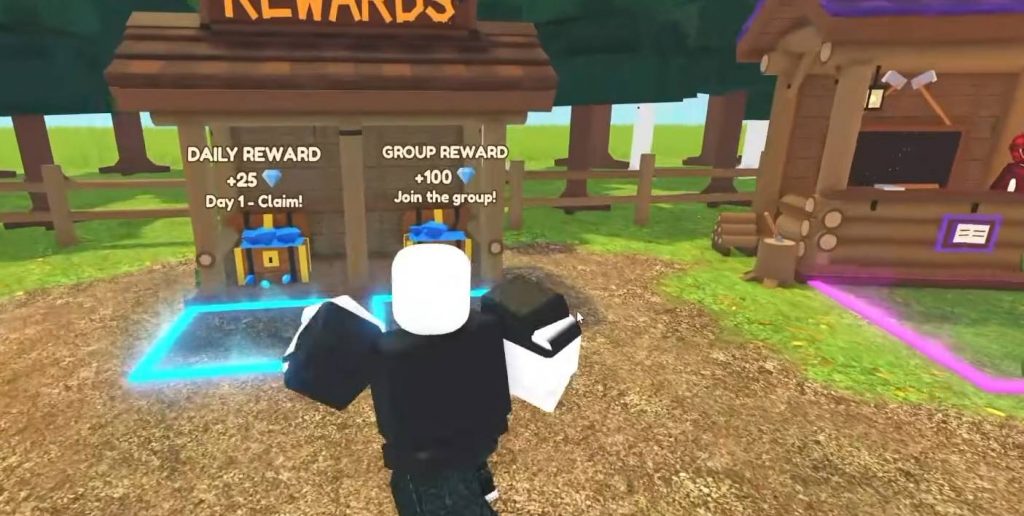
Before you start chopping trees, open the Daily Reward menu and claim any available rewards. These rewards can give you free Gems or other useful resources to help you progress. Gems can be used to purchase classes, while Coins earned from selling logs are mainly used to buy equipment and upgrades.
After collecting your rewards, check the Classes Shop and the regular Shop. One upgrade worth considering is Sell Value, which increases the amount of money you receive for each log by 10%. However, make sure you still have enough Coins for important equipment, especially your first axe and backpack upgrades.
2. Chop Trees and Sell Your Logs
The main gameplay loop in Chop a Forest is simple: chop trees, collect the logs, and sell them for Coins. You can begin by using your hands before purchasing your first axe. Once you have enough money, better equipment will help you cut down trees more quickly.
When you unlock the Birch Zone, consider focusing on Birch trees because they offer better selling value than the starting trees according to this gameplay guide. Selling more valuable logs can help you earn money faster and afford stronger equipment. However, make sure your axe and storage capacity are good enough before moving into a new area.
3. Buy Your First Axe for 150 Coins
Your first major purchase should be an axe. According to this guide, the first axe costs 150 Coins and makes chopping trees faster than using your hands. Getting this upgrade early will help you collect logs more efficiently and earn money for the next purchases.
Avoid spending too much on hand upgrades when you can already afford a proper axe. Equipment upgrades generally provide more noticeable improvements to your progress. After purchasing the axe, keep chopping trees and selling logs until you have enough Coins to improve your backpack and axe stats.
4. Upgrade Your Backpack Capacity
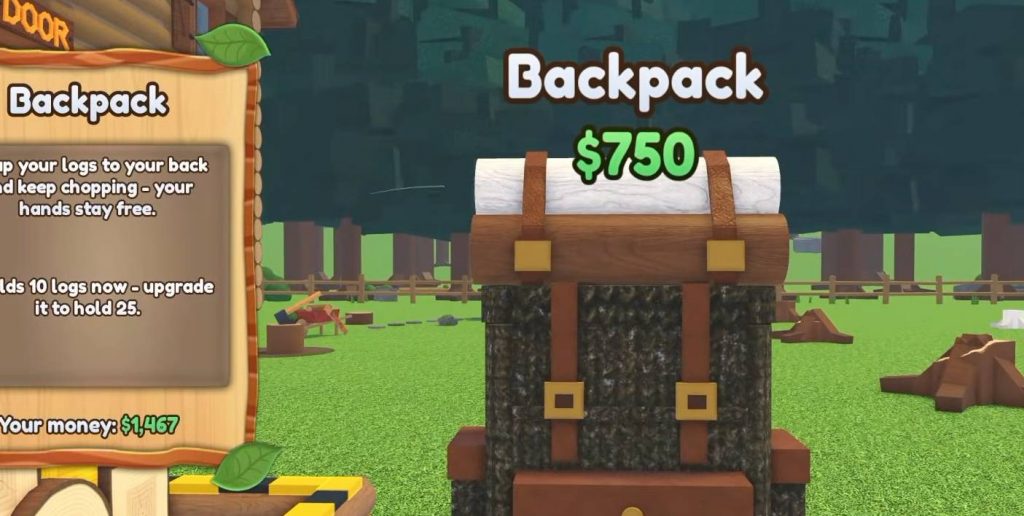
Your backpack determines how many logs you can carry before returning to the selling area. A larger backpack means fewer trips back and forth, allowing you to spend more time chopping trees. This becomes increasingly useful when you start clearing areas with many trees.
Here are some backpack capacity upgrades mentioned in this gameplay guide:
- Starter backpack: The first upgrade increases your storage capacity to 10 logs.
- Next backpack upgrade: Storage capacity increases to 25 logs.
- Advanced backpack: One later upgrade provides storage for up to 80 items and costs around 4,000 Coins.
The available capacities and prices may vary depending on your current progression or game updates. Check the Shop before making a purchase. Ideally, increase your backpack capacity whenever your current storage becomes too small for the number of logs you can collect.
5. Choose the Right Axe Upgrades
After purchasing your first axe, you can improve its performance through several upgrades. Sharpness, Speed, and Hold each provide different benefits, so choosing the right combination can help you cut down trees more efficiently.
Here is what each upgrade does:
- Sharpness: Improves your chopping power and can reduce the number of hits needed to cut down a tree.
- Speed: Helps you chop trees faster, allowing you to collect logs in less time.
- Hold: Lets you hold the chopping button instead of repeatedly pressing it, making the process more convenient.
A useful starting upgrade plan is to purchase three Sharpness upgrades, two Speed upgrades, and one Hold upgrade. You can adjust this order depending on your available Coins and current equipment. Avoid spending too much on an early axe if you are already close to affording a stronger one.
6. Chop Trees Near the Base
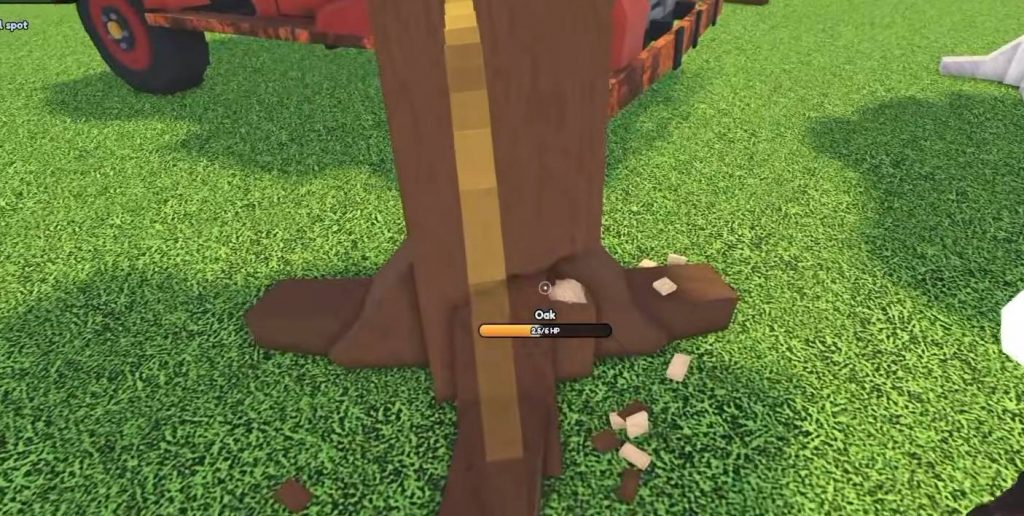
Your position when chopping trees can affect how efficiently you collect wood. This gameplay strategy recommends aiming at the lower part of a tree when possible, as doing so may help you collect more logs depending on the game’s chopping mechanics.
You should also avoid standing around waiting for every tree to fall before moving to the next one. If the game allows you to continue chopping another tree while the previous one falls, use that time to work on multiple trees. This reduces downtime and helps you collect more wood during each run.
Try to make nearby trees fall close together whenever possible. Keeping logs in the same general area makes them easier to collect, especially after you unlock the Vacuum. It also reduces the amount of time spent running around to pick up scattered logs.
7. Buy the Rusty Truck for 500 Coins
The Rusty Truck is an important upgrade once you start collecting larger amounts of wood. According to this guide, it costs 500 Coins and can carry up to 50 logs. This extra capacity makes it easier to transport wood without returning to the selling area after every small batch.
After purchasing the truck, use the spawn feature to bring it into the forest. Drive it to an area with plenty of trees, chop them down, and load the logs into the vehicle. Once you have collected enough wood, transport the logs to the selling area.
The truck becomes more useful as you move into larger forest areas. Combining it with a backpack lets you carry more logs before making a selling trip. This setup can save time and help you earn enough money for better equipment without constantly traveling between the forest and the selling point.
8. Prioritize Walk Speed Upgrades
Walk Speed is another useful upgrade because it improves how quickly you move around the forest. Faster movement helps you travel between trees, collect scattered logs, and return to the selling area in less time.
Unlike some early axe upgrades, movement speed remains useful even when you purchase stronger equipment. This makes it a good long-term investment once your basic chopping and storage needs are covered. Consider upgrading Walk Speed gradually as your income increases.
However, do not spend all your Coins on movement speed while your backpack remains small or you still lack a truck. The best results come from balancing chopping power, storage capacity, and movement speed. Each upgrade should help remove a specific problem that slows down your progress.
9. Use the Vacuum to Collect Logs Faster
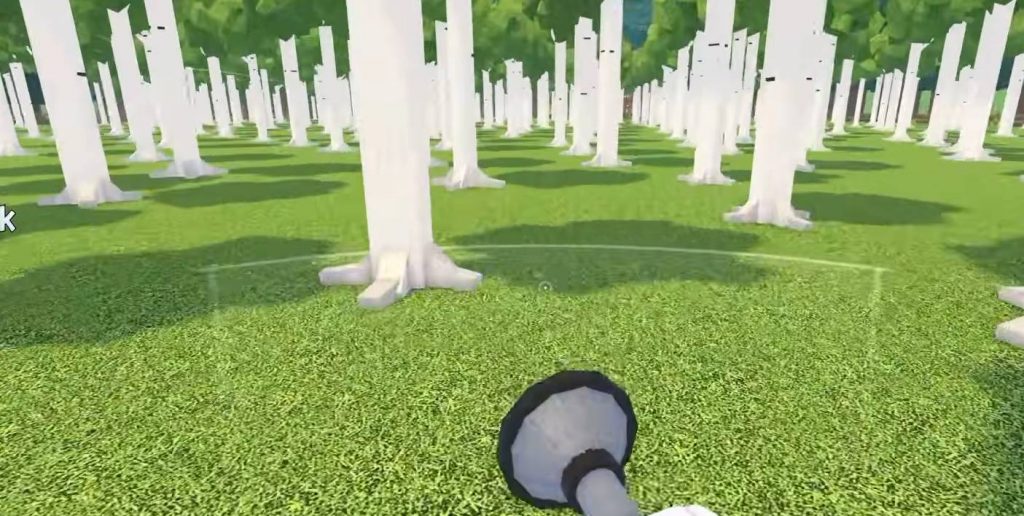
The Vacuum helps you collect nearby logs without picking them up individually. This can save a considerable amount of time when several trees have fallen in the same area. Instead of running between individual logs, you can use the tool to make the collection process more convenient.
For the best results, chop several trees close to one another before collecting their logs. Use the Vacuum to gather the available wood, then transfer the logs to your backpack or truck as needed. This approach is especially helpful when clearing areas with many trees.
The Vacuum works best as part of a larger equipment setup. Your axe handles the chopping, the Vacuum speeds up collection, and your backpack and truck provide the storage needed to transport the wood. If you have limited Coins, compare the benefits of these upgrades before deciding which one to purchase next.
10. Upgrade Chipper Speed When Necessary
Chipper Speed affects how quickly logs are processed at the selling area or wood chipper. When you start bringing back dozens of logs at once, processing them can take longer and delay your next purchases.
Increasing Chipper Speed can reduce this waiting time, allowing you to sell wood and spend your earnings sooner. However, this upgrade does not always need to be your first priority. You can often continue chopping trees while your previous batch of logs is being processed, making better use of your time.
Consider buying Chipper Speed when processing delays become a noticeable problem. If the waiting time is still manageable, your Coins may be better spent on a larger backpack, improved Walk Speed, or stronger axe upgrades.
11. How to Clear the Forest Faster
The most efficient way to clear a forest is to combine chopping, collecting, and transporting instead of completing each activity separately. Chopping one tree and immediately returning to sell its logs wastes time, especially when several trees are available nearby.
Follow this process to make your runs more efficient:
- Chop several nearby trees instead of focusing on just one.
- Continue chopping another tree while waiting for the previous one to fall, if the mechanics allow it.
- Use the Vacuum to collect logs from the surrounding area.
- Store the logs in your backpack and transfer them to the truck when needed.
- Transport the collected wood to the selling area when you have enough logs.
- Spend your earnings on upgrades that improve your current setup.
- Repeat the process until the area is cleared.
This method reduces unnecessary travel and makes better use of your storage capacity. Whenever possible, keep fallen logs close together so you can collect them more easily. As your equipment improves, you will be able to clear larger sections of the forest in fewer trips.
12. How to Unlock the Birch Zone and New Areas
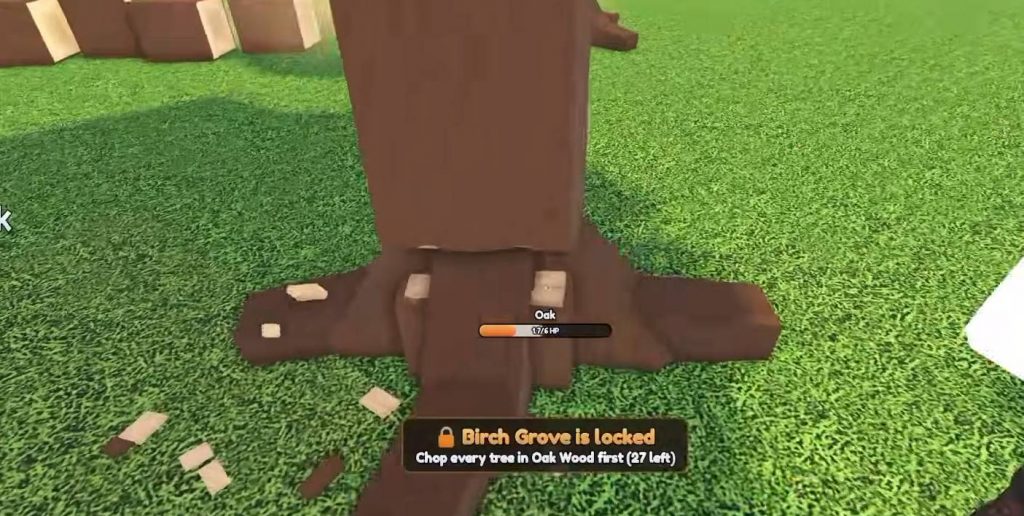
Chop a Forest features different forest areas with different types of trees. The starting area is Oak Wood, where you can collect your first logs and earn Coins for basic equipment. After making enough progress, you can unlock the Birch Zone, which provides access to Birch trees that can help you earn more money.
To reach the next area faster, focus on upgrading your axe and increasing your storage capacity. The Rusty Truck and Vacuum can also help you collect and transport larger amounts of wood. With this setup, you can spend more time clearing trees instead of repeatedly traveling to sell small batches of logs.
Once you unlock the Birch Zone, continue using the same strategy: chop several trees, gather the logs with your Vacuum, and transport them for sale. Use the earnings to improve your equipment before moving on to the next area. Keep in mind that area names, unlock requirements, and available upgrades may change with future game updates.
Progressing quickly in Chop a Forest depends on choosing useful upgrades and making the most of every trip. Start by claiming your Daily Rewards, purchasing the first axe, and improving your backpack. Once you have enough Coins, consider buying the Rusty Truck and Vacuum to collect and transport logs more efficiently.
After getting your main equipment, focus on Sharpness, Walk Speed, and storage capacity to improve your overall performance. Chop several trees before collecting their logs, avoid unnecessary trips, and upgrade Chipper Speed only when processing time becomes a problem. Following these tips will help you clear Oak Wood, unlock the Birch Zone, and continue progressing without wasting too many Coins on upgrades you do not need.
Chop a Forest