


How to Get The Hollow Roblox Theme Guide
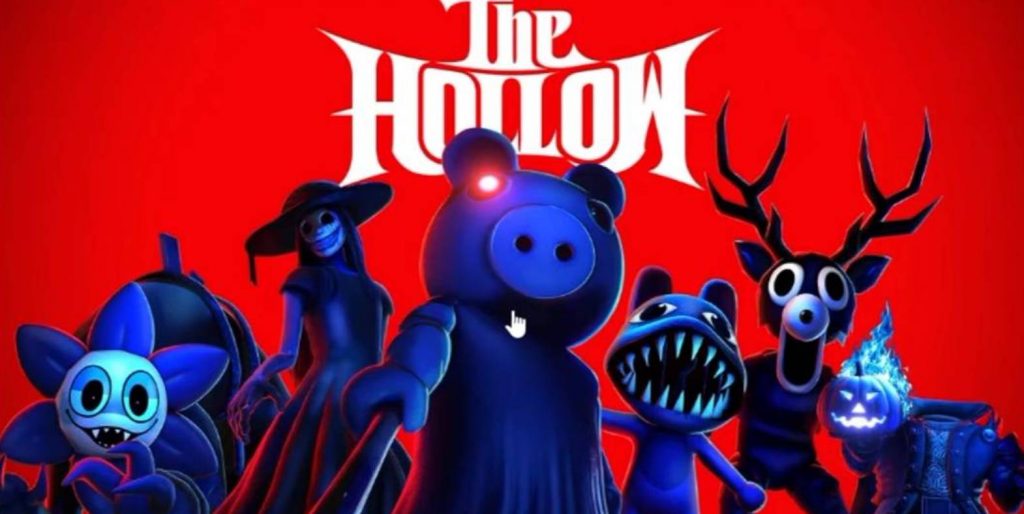
Roblox has a special Hollow theme that lets you change the look of the platform with a different design. If you want to try this theme, you can access it through the settings menu on the Roblox website or app. However, the theme may require a Roblox Plus subscription, depending on its availability. Here is how to find and activate The Hollow theme.
How to Get The Hollow Theme in Roblox
Follow these steps to change your Roblox theme:
- Open Roblox through your browser or the Roblox app.
- Open the Settings menu.
- If you are using a browser, go to Browser Preferences.
- Find the Themes option.
- Select The Hollow theme from the available options.
- Wait for the interface to update and check whether the new theme has been applied.
Once activated, the Roblox interface should display the Hollow design. The theme may also affect how the Roblox app looks, depending on the version and settings you are using.
Do You Need Roblox Plus to Get The Hollow Theme?
The Hollow theme may be limited to Roblox Plus subscribers. If you cannot find it in your theme settings, your account might not have access to the feature yet. Availability could also change when the related Roblox event officially launches. If the theme is missing, check the settings again later and look for announcements about its availability. Keep in mind that the steps described here may not work for every account if the feature is still being rolled out or has subscription restrictions.
How to Change Back to Your Original Roblox Theme
If you want to return to your previous theme, the process is similar:
- Open Roblox Settings.
- Go to Browser Preferences if you are using the website.
- Open the Themes option.
- Select your previous theme or another available option.
Your interface should return to the selected design after the change is applied.
Getting The Hollow Roblox theme is straightforward if the option is available on your account. Open Settings, go to Browser Preferences or Themes, and select the Hollow design. If you cannot access it, check whether Roblox Plus is required or wait for further availability updates. You can also return to the same settings menu whenever you want to change your theme again.
Roblox