


How to Get 4 Free Ghost Shoulder Items in The Hollow Roblox Event 2026
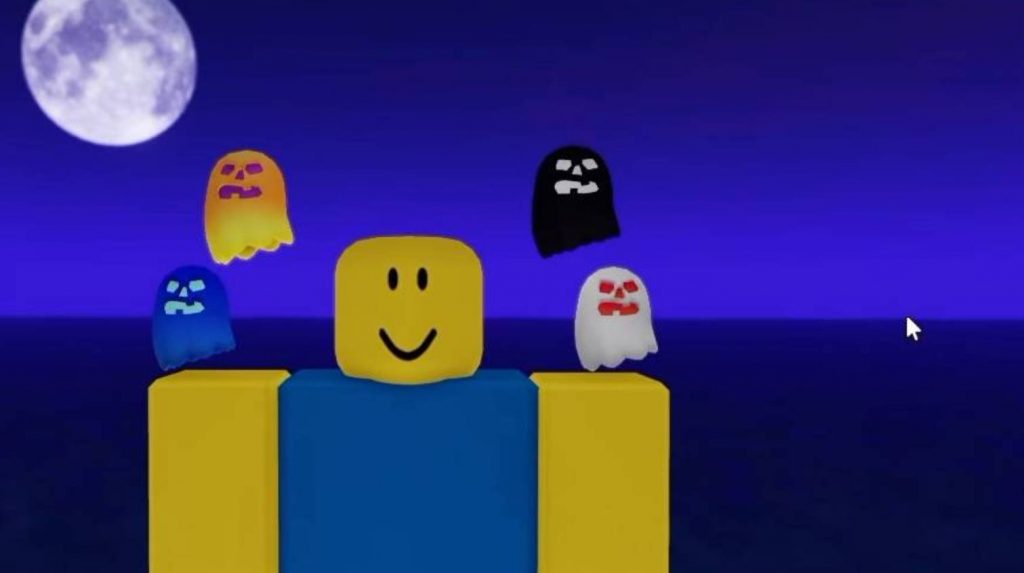
Roblox players can get four Ghost Shoulder UGC items during The Hollow event in 2026. The available designs mentioned in the guide are White, Orange, Black, and Blue, giving players several options to add a ghost-themed accessory to their avatar.
According to the guide, these items have unlimited stock while the event is active. However, availability may depend on the event’s current rules and whether a creator or developer is still distributing the rewards.
Instead of completing a difficult quest, one method is to join Roblox developers or Video Stars who are hosting item giveaways inside The Hollow.
How to Get the Ghost Shoulder Items
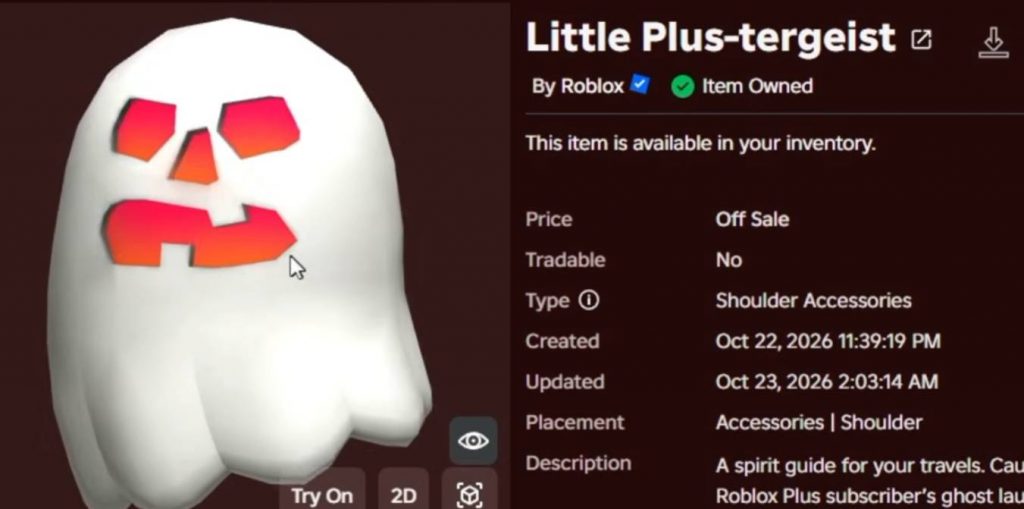
There are two main ways to look for these free UGC items:
- Search YouTube for The Hollow Launcher livestreams and item giveaways.
- Check active members of the Roblox Video Star community who may be distributing the items.
Both methods involve finding a host who is giving away the Ghost Shoulder items and joining their Roblox server.
Method 1: Find The Hollow Giveaways on YouTube
YouTube livestreams are one of the easiest places to look for creators distributing the Ghost Shoulder items. Follow these steps:
- Open YouTube and search for “The Hollow Launcher” or other searches related to The Hollow UGC giveaways.
- Select the Live filter to find ongoing livestreams.
- Look for streams that clearly show the creator giving away Ghost Shoulder items.
- Read the stream description for the host’s Roblox username, group, or private server link.
- Follow the host on Roblox if required.
- Join their game and wait for your turn to receive the item.
Not every livestream will be distributing UGC items, so check the stream content and description before joining.
Some hosts may have a queue because many players are trying to claim the same rewards. If the server is full, you may need to wait until a space becomes available.
Method 2: Find Active Roblox Video Stars
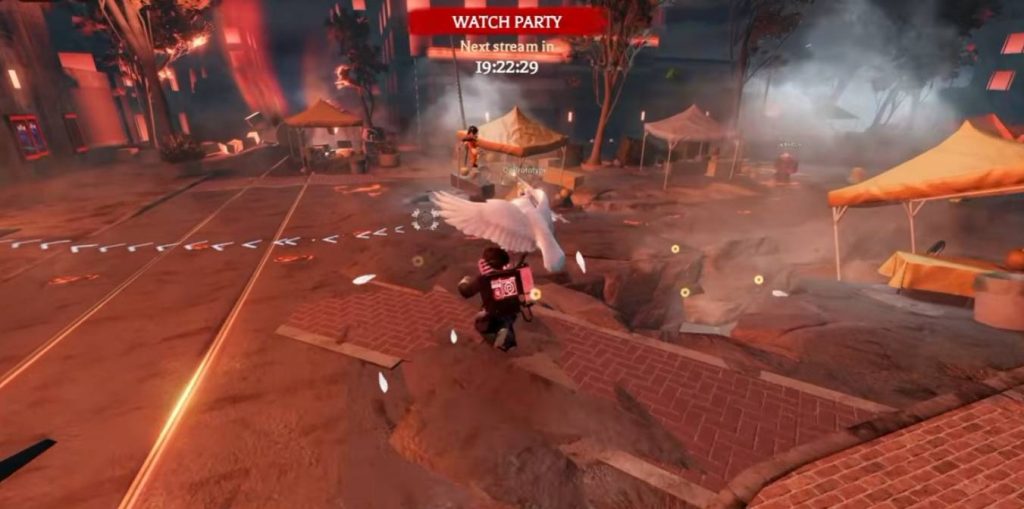
You can also look for giveaways through the Roblox Video Star community. Start by opening the Roblox Video Star group and visiting its Members section. Look for members who are currently online, then check their profiles to see whether they are playing The Hollow.
Follow these steps:
- Open the Roblox Video Star community page.
- Go to the Members section.
- Check profiles of members who are online.
- Look for creators who are currently playing The Hollow.
- Follow the creator if necessary to access their game.
- Join their server and check whether they are distributing Ghost Shoulder items.
You may need to check several profiles because not every online member will be hosting a giveaway. Some may be playing other Roblox experiences or completing unrelated activities.
Step 3: Join the Host’s Server
After finding a creator or developer who is giving away the items, use the available Join option on their Roblox profile. Depending on the host’s settings, you may need to follow them before joining their game. You might also encounter a queue when the server is full.
Wait until you enter The Hollow and check whether the host is still distributing the item. Some giveaways can end before you reach the front of the queue, so joining an active stream and checking its instructions can save time.
Step 4: Receive Your Ghost Shoulder Item
Once you enter the correct server, locate the creator or developer hosting the giveaway. Approach the host and follow their instructions for receiving the reward. The guide demonstrates creators distributing different Ghost Shoulder designs, including White, Orange, Black, and a gold-colored variant.
If you specifically want the Blue or another color, make sure the host is offering that version before waiting in the queue.
After receiving the item, check your Roblox inventory to confirm that it has been added to your account. You can then repeat the process with another host if you want to collect additional designs.
Tips for Getting the Items Faster
Use these tips to improve your chances of finding an active giveaway:
- Prioritize livestreams that are currently showing item distributions.
- Read the host’s instructions before joining their server.
- Follow the creator if their Roblox privacy settings require it.
- Check the queue and make sure the host is still active.
- Confirm which Ghost Shoulder color is being offered.
- Avoid sharing your Roblox password or account verification codes with anyone claiming to distribute free items.
Only use legitimate Roblox joining features and official creator links. You should never need to provide your password to receive a free UGC reward.
Are the Ghost Shoulder Items Unlimited Stock?
The guide describes the Ghost Shoulder items as having unlimited stock until The Hollow event ends. This would mean players do not need to compete for a fixed number of copies, provided the event’s distribution method remains available.
However, unlimited stock does not necessarily mean every creator will distribute every color at all times. You may need to find a host who has the specific item you want.
Check the current event information and the host’s instructions before joining a giveaway.
To get the four Ghost Shoulder items in The Hollow Roblox Event 2026, search YouTube for active The Hollow Launcher livestreams or check online members of the Roblox Video Star community.
Find a creator who is distributing the White, Orange, Black, or Blue version, follow them if necessary, and join their server to receive the reward. Remember to check the host’s current activity and queue before waiting, since giveaways may end while you are trying to join.