


Destroy a Vault Codes October 2026
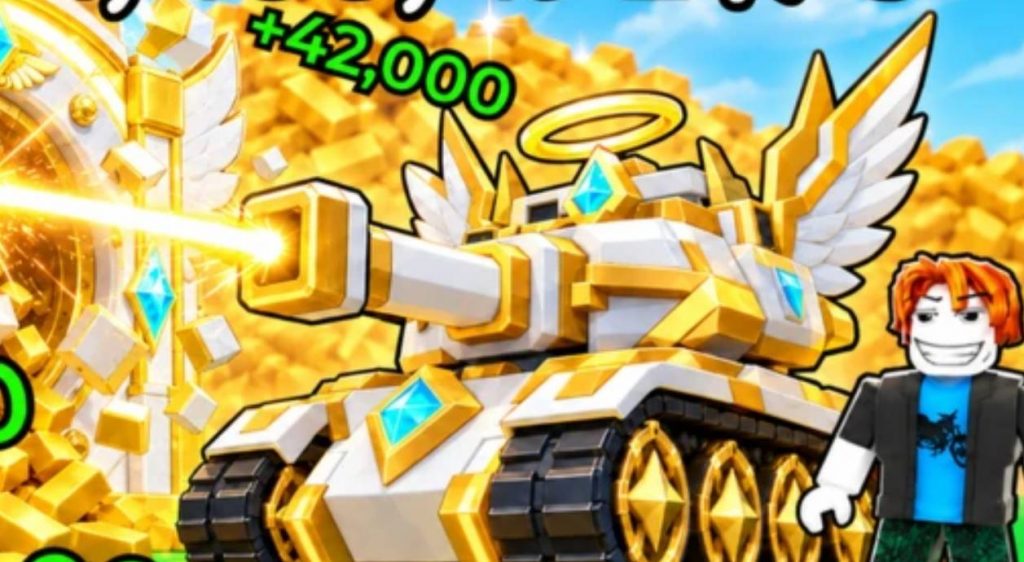
Destroy a Vault codes give you free rewards in Roblox, including Gems and Lucky Rolls. You can use these rewards to purchase upgrades, improve your progress, and increase your chances of obtaining powerful Tanks.
If you want to progress faster without spending extra time collecting resources, redeeming the latest codes is a good place to start. Below, you can find all the active Destroy a Vault codes, their rewards, expired codes, and instructions on how to redeem them.
Active Destroy a Vault Codes
Here are all the currently listed active codes for Destroy a Vault. Make sure to redeem them as soon as possible because the developers may deactivate codes without much notice.
- MOREGEMS: 25,000 Gems (New)
- FIRSTAA: 1 Lucky Roll (New)
- BUGFIXES: 25,000 Gems (New)
- BOSS: 25,000 Gems
- 1MILLION: 1 Lucky Roll
- RELEASE: 750 Cash
- UPDATE: 5,000 Gems
How to Redeem Destroy a Vault Codes
Redeeming codes in Destroy a Vault is straightforward, but you must complete the tutorial before accessing the redemption menu. Once the tutorial is finished, you can find the code section through the Settings or Shop menu. Follow these steps to claim your rewards:
- Launch Destroy a Vault on Roblox.
- Complete the in-game tutorial if you have not already done so.
- Click the Settings icon in the top-left corner or open the Shop menu on the left side of the screen.
- Scroll down until you find the Codes Redemption section.
- Enter an active code into the empty Codes box.
- Click the Redeem button to claim your rewards.
Repeat these steps for every active code on the list. Make sure you enter each code correctly, as typing errors can prevent the game from recognizing it.
Why Are My Destroy a Vault Codes Not Working?
Sometimes, a code may fail to provide its rewards even when you believe it is still active. This can happen for several reasons, including expiration, incorrect spelling, or redemption requirements that have not been completed.
If you encounter an error, try these solutions:
- Check the spelling of the code and make sure there are no extra spaces.
- Confirm that you have completed the tutorial.
- Make sure the code has not expired.
- Try redeeming the code through the correct menu.
- If the code still fails, check for a game update or a new announcement from the developers.
Remember that each code may have specific redemption conditions. If a code has already expired, correcting the spelling will not make it work again.
How to Get More Destroy a Vault Codes
New Destroy a Vault codes may be released during game updates, special events, milestone celebrations, or bug fixes. Keeping track of new announcements can help you claim additional Gems and Lucky Rolls whenever they become available.
You can also revisit this guide for updates to the active and expired code lists. When new codes are released, redeem them promptly to avoid missing out on free rewards.
Redeem the active codes through the Settings or Shop menu after completing the tutorial. Collecting these rewards early can give you additional resources to use as you progress through Destroy a Vault.
Destroy a Vault