


How to Get the Creatures of Sonaria Badge in The Hollow Roblox Event Guide
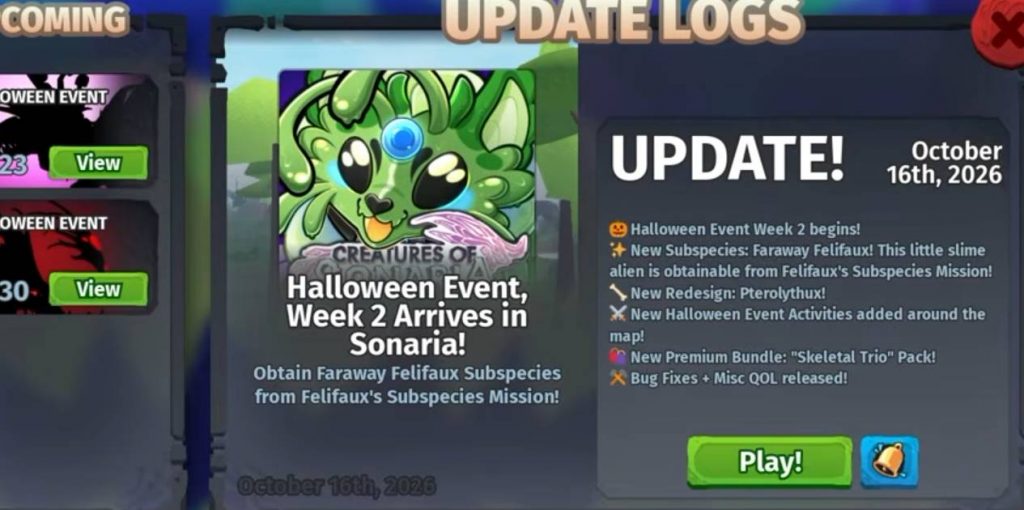
The Hollow Roblox event features several badges that players can unlock by visiting different games. One of these rewards is connected to Creatures of Sonaria, and getting it is much easier than some of the other event challenges. You do not need to complete a difficult quest or collect special items for this badge. The main requirement is to join Creatures of Sonaria and wait for the game to finish loading.
How to Get the Creatures of Sonaria Badge
Follow these steps to claim the badge for The Hollow event:
- Open Roblox and enter The Hollow event hub.
- Find the Creatures of Sonaria event destination.
- Join Creatures of Sonaria.
- Wait for the game to load completely.
- Check whether the event badge has been awarded to your account.
According to the source, the badge should be given to you after loading into the game. There are no additional objectives mentioned, so you should not need to complete a quest or collect items.
What to Do If the Badge Does Not Appear
If the badge does not show up immediately, make sure you entered Creatures of Sonaria through the correct event destination and allowed the game to load fully. You can also check your badge or quest progress in The Hollow event hub. If the reward still does not appear, try rejoining the game and checking again.
Getting the Creatures of Sonaria badge in The Hollow Roblox event is simple. Join the correct game, wait for it to load, and check whether the reward has been added to your account.
Unlike challenges that require collecting items or completing multiple objectives, this badge reportedly only requires you to enter Creatures of Sonaria. If the badge does not unlock automatically, double-check your event progress before trying again.
Creatures of SonariaRobloxThe Hollow