


Best Emulator for Monster Hunter Outlanders: BlueStacks vs MuMu Player vs LDPlayer
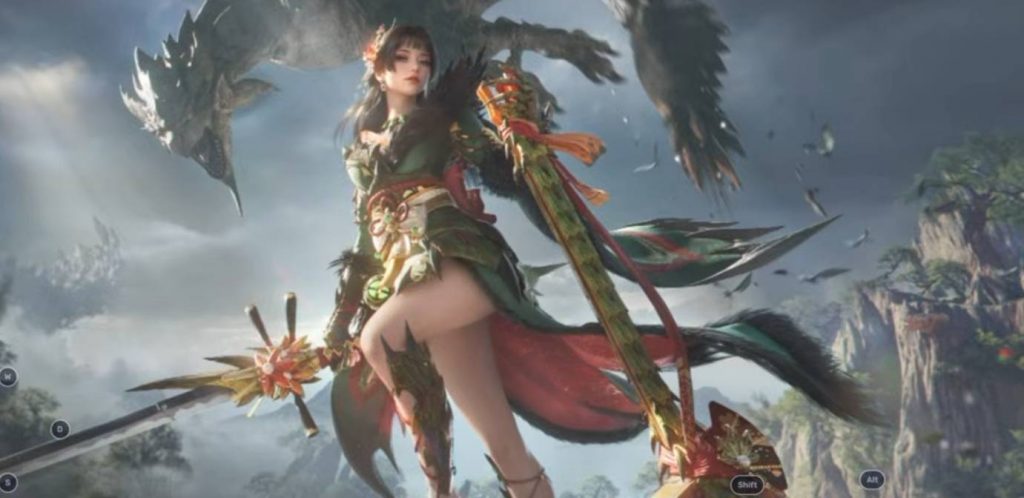
Monster Hunter Outlanders is an action RPG that requires smooth performance, especially when fighting large monsters. While the game is designed for mobile devices, some players may prefer using an Android emulator to play it on a PC with a keyboard and mouse.
To find out which emulator offers the best experience, three popular options were tested: BlueStacks 16, MuMu Player 15, and LDPlayer 9. Each emulator was tested with its available graphics settings, frame rate, and keyboard mapping features. Here is how they compare.
1. BlueStacks 16 Performance
BlueStacks 16 was the first emulator used for testing Monster Hunter Outlanders. However, the available graphics options were limited, with the settings only reaching Medium. The frame rate was also locked, so there was not much room to improve the game’s performance.
The keyboard mapping feature was another downside. Compared to MuMu Player and LDPlayer, the controls did not feel as convenient to use. Although mouse controls worked reasonably well with the game’s lock-on system, the overall experience was far from smooth.
During combat, BlueStacks 16 suffered from frequent stuttering, sudden freezes, and noticeable frame drops. These problems made it difficult to enjoy longer fights. The game could still launch and run, but the performance was not comfortable enough for regular gameplay.
It is also worth noting that BlueStacks 5 could not install the game during the test. A newer version, such as BlueStacks 14 or above, was needed to run Monster Hunter Outlanders.
2. MuMu Player 15 Performance
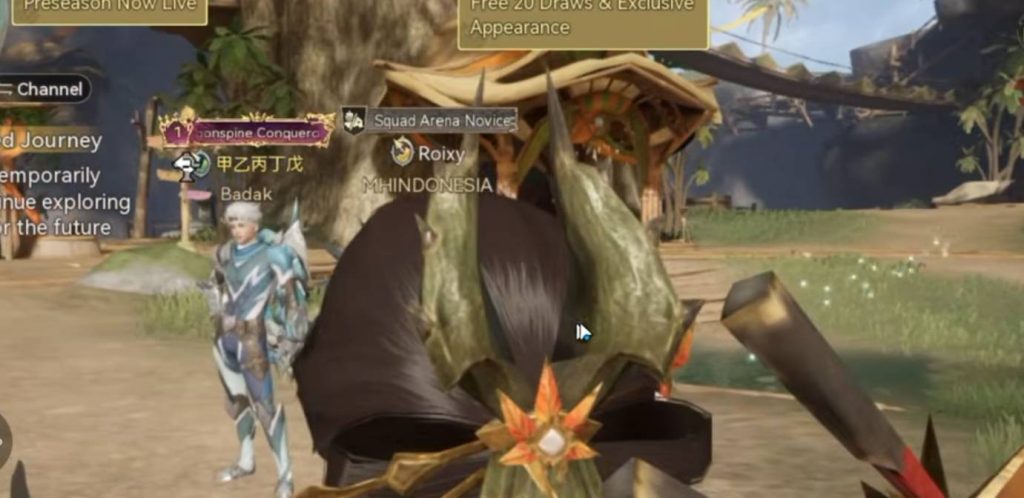
The next emulator tested was MuMu Player 15. Unlike BlueStacks, MuMu offered sharper graphics during gameplay. However, the performance problems were still noticeable, especially when fighting monsters.
The test used an ROG Phone 9 device profile with six CPU cores and 5 GB of RAM. These were the recommended settings used for the emulator. Even with this configuration, the game still experienced frequent stuttering and frame drops.
MuMu Player 15 also required manual keyboard mapping. Players need to open the editing menu and assign their preferred keys before using the controls. This is a little less convenient compared to LDPlayer, which automatically provides a control layout.
One important detail is that MuMu Player 15 was used for this test because MuMu 9 does not support the same key mapping setup. While its graphics looked better than BlueStacks 16, the overall performance was not significantly different.
For players who want to install an emulator and start playing immediately, MuMu Player may require more setup than expected. Its visual quality is a plus, but the stuttering still makes combat less enjoyable.
3. LDPlayer 9 Performance
LDPlayer 9 delivered the best overall results among the three emulators tested. Monster Hunter Outlanders automatically unlocked more graphics options, allowing the game to use higher settings. The test used the Very High graphics option, with the frame rate reaching around 60 FPS.
The emulator also provided automatic keyboard mapping after installing the game. This made the initial setup much easier compared to MuMu Player 15, where the controls had to be configured manually.
The test used the recommended CPU settings and a Vivo iQOO 12 Pro device profile. Changing the device model to an ROG gaming phone did not make a major difference, so the default setup was kept.
However, LDPlayer 9 was not completely smooth. Frame drops could still happen during monster battles, and performance could become less stable when entering crowded villages with many other players.
There was also an option to adjust mouse sensitivity through the keyboard control settings. Increasing the sensitivity to 49 made camera movement feel more responsive when rotating the view with the mouse.
Despite these issues, LDPlayer 9 was the most comfortable emulator to use during the comparison. Its automatic controls and higher graphics options gave it an advantage over the other two choices.
4. BlueStacks vs MuMu Player vs LDPlayer: Which Is Better?
Based on the test, LDPlayer 9 was the best option for playing Monster Hunter Outlanders on a PC. It offered more graphics options, automatic keyboard mapping, and better overall performance compared to BlueStacks 16 and MuMu Player 15.
Here is a quick breakdown of the results:
- LDPlayer 9: Best overall experience, automatic keyboard mapping, and support for higher graphics settings. However, frame drops can still happen during combat.
- MuMu Player 15: Sharper graphics than BlueStacks, but combat still suffers from noticeable stuttering. Keyboard mapping also requires manual setup.
- BlueStacks 16: Limited graphics options and frequent freezes make it the least comfortable option among the three tested emulators.
Keep in mind that emulator performance can vary depending on your PC specifications. A more powerful processor, enough RAM, and a capable graphics card may provide better results than the setup used in this test.
Is Playing Monster Hunter Outlanders on a Phone Better?
Although LDPlayer 9 performed the best among the three emulators, playing Monster Hunter Outlanders on a phone was still the preferred option in the test. Mobile gameplay felt smoother, with fewer noticeable frame drops during combat.
However, phone performance also depends on the device and its temperature. Long gaming sessions can cause a phone to heat up, which may affect performance over time. Keeping the device cool can help maintain a more stable experience.
For players who want to use a keyboard and mouse, LDPlayer 9 is worth trying. But if your main priority is smooth combat without frequent stuttering, playing directly on a capable mobile device may be the better choice.
LDPlayer 9 came out as the best emulator for Monster Hunter Outlanders in this comparison. Its automatic keyboard mapping and higher graphics settings make it easier to use than BlueStacks 16 and MuMu Player 15. However, it still has some frame drops during battles and crowded areas.
MuMu Player 15 offers sharper visuals, while BlueStacks 16 struggles with limited settings and frequent freezes. Even so, none of the three emulators provided a completely smooth experience. For now, playing on a phone remains the preferred option if you want more comfortable gameplay.