


STAND OUT Codes (November 2026) [NEW]
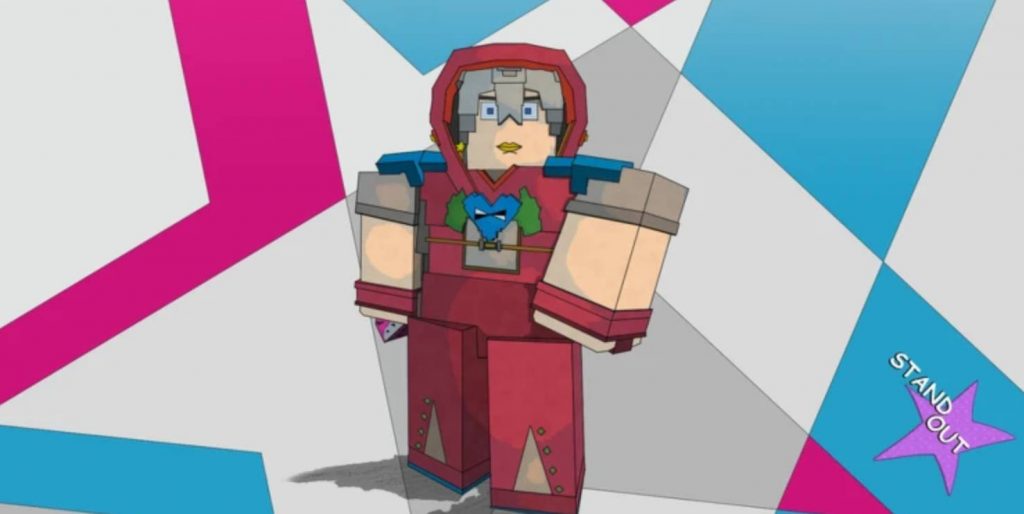
STAND OUT is a Roblox game inspired by JoJo’s Bizarre Adventure, where players can explore the world, collect powerful Stands, and use different types of Arrows to unlock new abilities. If you want to get additional rewards without spending extra time grinding, redeeming STAND OUT codes is one of the easiest ways to do it.
These codes can give you useful items, including Bizarre Arrows that help you obtain new Stands. However, you cannot redeem them immediately after starting the game because you first need to unlock a specific feature. Here is the current active STAND OUT code, how to redeem it, and what Bound Arrows mean.
All Active STAND OUT Codes
- 100KLIKESHUGE
- SORRY4SHUTDOWN
- 50KLIKES
- HUGE100K
- THANKYOUHUGERELEASETHANKS
- RELEASE
How to Redeem Codes in STAND OUT
Before you can enter any redeem codes, you need to unlock the Phone item. This is a permanent item that becomes available after completing the Meryl Mei Qi storyline. Fortunately, this quest appears relatively early in the game, so you won’t need to spend too much time progressing before accessing the code redemption feature. Follow these steps to unlock the Phone and redeem your rewards:
- Start playing STAND OUT on Roblox.
- Complete the Hey Ya! Tutorial.
- Speak with Jodio to continue the main storyline.
- Follow the quest until you meet Meryl Mei Qi.
- Complete her storyline to receive the Phone.
- Press Z to open your Phone.
- Select the Gifts application, represented by a green box with a G inside a speech bubble.
- Enter one of the active codes into the redemption box.
- Confirm your entry to claim the reward.
Once the process is complete, your reward should be added to your inventory. You can use the same Gifts application whenever new codes become available. There is one additional requirement: you must join the official Studio Umbra: Europa Group on Roblox before redeeming codes. If you haven’t joined the group yet, make sure to do so before attempting to claim your rewards.
How to Find More STAND OUT Codes
New STAND OUT codes are generally released during important game milestones, updates, or special celebrations. This means you might not always find a new code every week, so keeping track of developer announcements is useful.
The best place to check for new rewards is the official STAND OUT Discord community. Look through the Announcements channel because developers usually share new codes there when they become available.
You should also remember that not every code posted in older announcements will still work. Some rewards have expiration dates, so it is better to prioritize newly released codes instead of relying on older lists.
What Does Bound Mean in STAND OUT?
When redeeming codes, you might notice that some rewards have the word Bound written next to their names. For example, the Bizarre Arrow received from the HUGE100K code is listed as a Bound item. This label indicates that the item is permanently tied to your account. You cannot transfer it to another player or trade it for different items.
There are two main types of Arrows in STAND OUT:
- Bound Arrows: These items belong exclusively to your account. You can use them yourself, but they cannot be traded or transferred to other players.
- Unbound Arrows: These Arrows can be traded with other players, allowing you to exchange them for different items or resources.
The Bound system also helps prevent players from exploiting the code redemption feature. Without this restriction, players could create multiple alternate accounts, redeem the same rewards, and transfer all their free Arrows to a single main account.
By making code rewards Bound, the developers ensure that free items remain tied to the accounts that originally redeemed them.
STAND OUT codes are a useful way to collect free rewards, especially if you need additional Bizarre Arrows to obtain new Stands. The current HUGE100K code provides one Bound Bizarre Arrow, but you must first complete Meryl Mei Qi’s storyline to unlock the Phone and access the Gifts application.
Don’t forget to join the official Studio Umbra: Europa Roblox Group before redeeming your rewards. You can also follow the game’s Discord announcements to stay updated on new codes before they expire.
Stand Out