


Cambria Creature Survival Guide: Codes, DNA, Controls, Tips, and Tricks
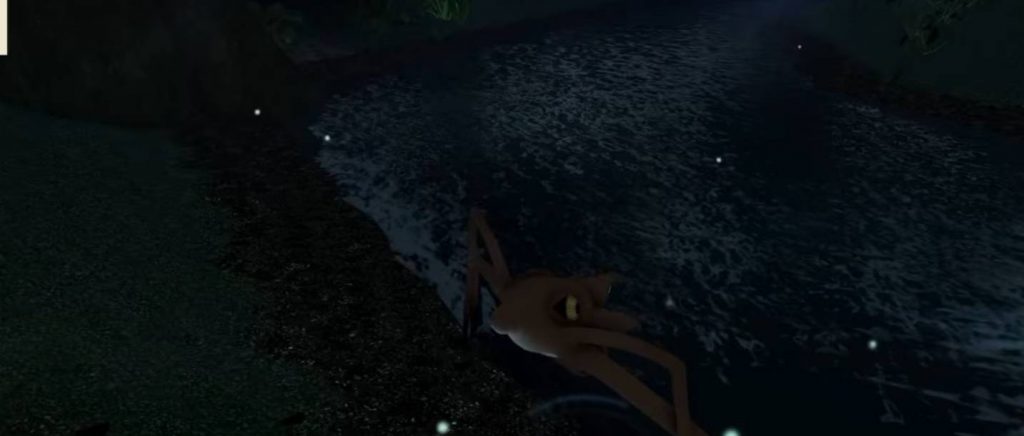
Your goal is to survive, hunt other creatures, collect DNA, grow bigger, and eventually evolve into a stronger creature. However, your body design also affects your speed, stamina, weight, and ability to escape from dangerous enemies. Here is a beginner’s guide to Cambria Creature Survival, including creature building, DNA, controls, and useful survival tips.
How to Build Your First Creature
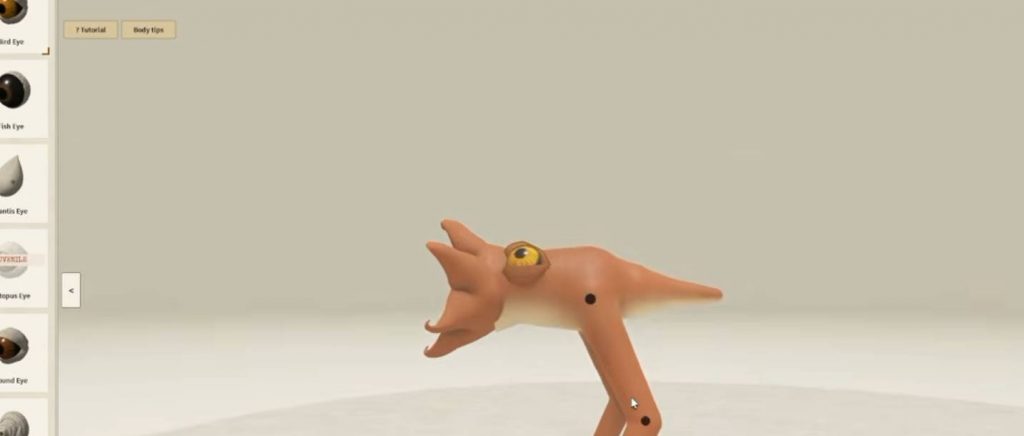
Before finishing your creation, take some time to experiment with different body shapes. You can also test your creature before using it in the actual survival world to see whether it moves the way you want.
Understanding Creature Body Parts
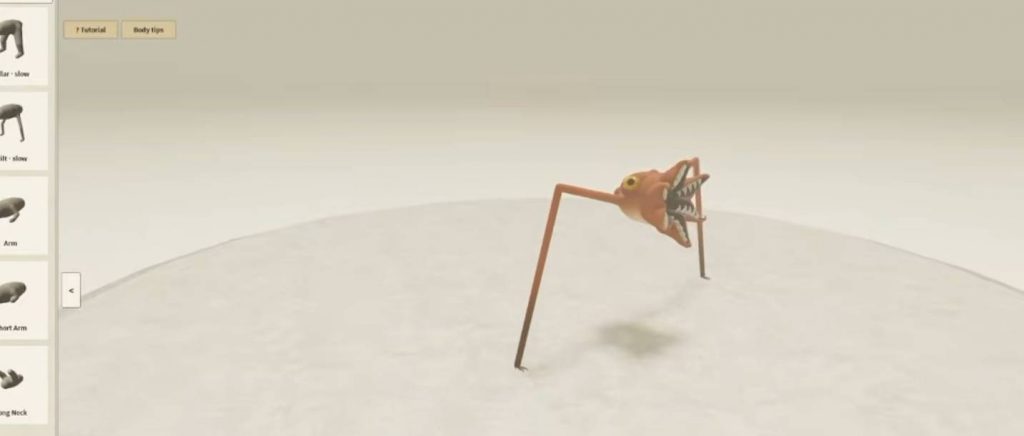
Each body part in Cambria Creature Survival has its own purpose. Choosing the right legs, body size, and armor can make a huge difference depending on whether you want to run away from enemies, hunt smaller creatures, or survive attacks.
Here are some important things to understand when designing your creature:
-
Legs: Your leg shape determines how quickly your creature can move. Different leg designs have different movement characteristics.
-
Body size: Larger bodies can make your creature heavier, which may affect its movement and growth.
-
Armor: Armor provides extra protection, but it also adds weight. Armor can weigh around 2.5 times more than flesh.
-
Thick legs: Thicker legs can help support heavier creature builds.
-
Thin legs: Thin legs are better suited for lighter builds, but they may struggle when carrying a heavy body.
-
Eyes and other parts: Some body parts have additional characteristics, so check their descriptions before adding them.
You should avoid putting thin legs underneath a very heavy body, as this can make your creature slower and less effective when trying to escape.
Best Creature Builds for Beginners
There are several ways to build your creature depending on your preferred playstyle. You do not always need to create a large monster with heavy armor, especially when speed can be more important than defense during the early stages of survival.
Here are some build types you can try:
-
Runner Build: Uses a slim body with fast legs. This build is designed for escaping enemies, traveling around the map, and avoiding unnecessary fights.
-
Brute Build: Uses thick legs, a heavier body, and plenty of armor. It can be harder to kill, but its movement speed is slower.
-
Swimmer Build: Focuses on body parts suitable for swimming and navigating water.
-
Ambusher Build: Uses a smaller or lower body profile with quick movement, making it suitable for attacking creatures when they least expect it.
For beginners, a Runner or Ambusher build can be a good choice because moving quickly makes it easier to avoid stronger creatures. You can experiment with your own designs and adjust them until you find a build that feels comfortable.
How to Edit and Test Your Creature
The creature editor lets you change your design whenever you want before entering the survival world. You can drag body parts to adjust their positions, reshape your creature, and remove parts that you no longer need.
If you want to remove a specific part, select the joint connected to it and use the Cut Joint option in the upper-right corner. You can also select certain parts and delete them directly if you want to make changes to your build.
Once your creature is finished, use the Test option in the editor to check its movement. This is important because a creature that looks strong in the editor might perform poorly when moving around.
After testing your design, save it so you can use it in the survival world. You can return to the editor later and make more adjustments as you unlock additional parts.
How to Get DNA Fast in Cambria Creature Survival
DNA is one of the important resources in Cambria Creature Survival because it allows you to unlock and obtain additional creature parts. These parts can help you improve your build, change your creature’s appearance, or develop a different playstyle.
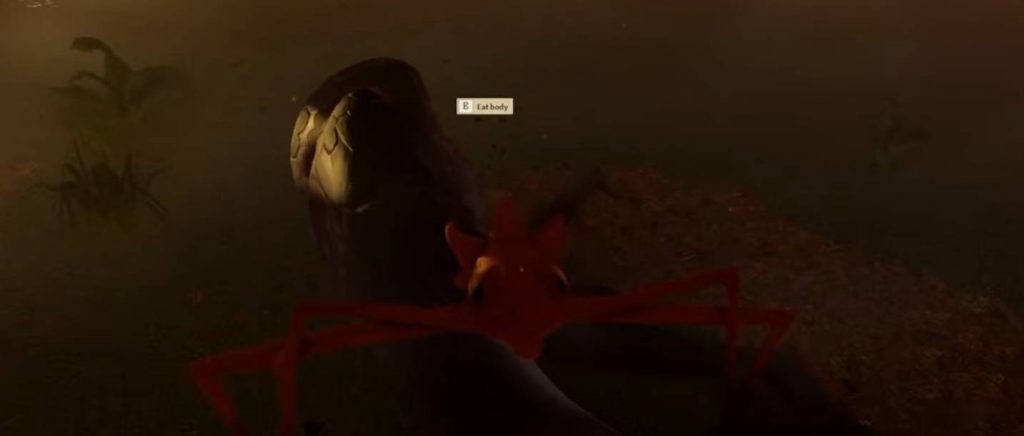
The easiest way to earn DNA is by eating other creatures and food sources throughout the map. The more you eat, the more DNA and growth you can obtain while progressing through the game.
Try to find food that you can consume safely without putting yourself in danger. Eating large bodies can provide a lot of growth, but they may take longer to consume. Smaller food sources can be more convenient when you need to move around quickly.
You should also keep an eye on your quests, as completing available objectives can help you progress while exploring the map. Make sure to collect food and drink water whenever possible to keep your creature alive.
How to Grow and Evolve Your Creature
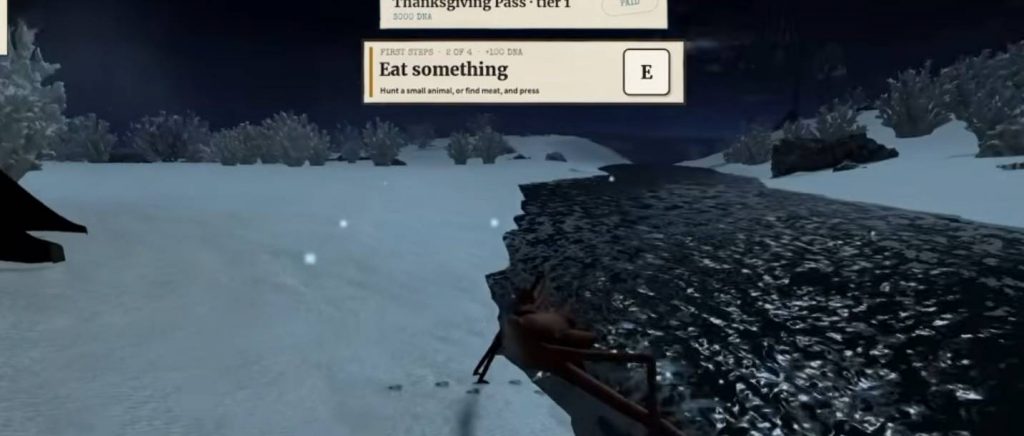
Growing your creature is one of the main objectives in Cambria Creature Survival. As you eat and survive, your creature gradually becomes larger and stronger, allowing you to develop its build further.
Whenever you gain enough progress to evolve or improve your creature, take the opportunity to add new parts or adjust your existing design. You do not have to keep the same build throughout your entire playthrough.
Try adding parts that improve your creature’s movement, damage, or survivability. If your current design is too slow, consider removing unnecessary weight. If you keep getting attacked, adding more protection or changing your body structure might help.
The important thing is to keep improving your creature as you progress rather than sticking with your original design forever.
All Controls in Cambria Creature Survival
Cambria Creature Survival has several controls that you might not discover immediately, especially when it comes to creature actions and movement. Some actions can help you attack, interact with objects, or find useful resources around the map.
The easiest way to check the full controls is by opening the Settings menu and selecting the Keys section. There, you can see the available keybinds for different actions.
Some of the important actions include:
-
Grab: Allows your creature to grab certain objects or targets.
-
Stomp: Perform a stomping attack or movement action.
-
Lunge: Quickly move forward to attack or close the distance.
-
Dive: Perform a diving action when available.
-
Smell: Helps you detect or locate things around your environment.
Make sure to check the Keys menu and learn the controls before fighting other creatures. Knowing when to use certain actions can make it easier to hunt, escape, and explore.
How to Use Other Creature Builds
You do not always have to build a creature from scratch. Cambria Creature Survival also allows you to explore existing creature designs made by other players.
You can browse available builds, select one that looks interesting, and try it out before deciding whether you want to use it. Some of these designs may already be optimized for speed, strength, or other gameplay advantages.
You can also save your own creature designs and share them with other players through the available creature-sharing features. This gives you more options to experiment with different builds without having to manually create every creature yourself.
If you are still learning how the editor works, trying premade builds can help you understand how different body parts affect creature performance.
Tips and Tricks to Survive Longer
Surviving in Cambria Creature Survival can be difficult when you encounter creatures that are much bigger or stronger than yours. Having a good creature design helps, but knowing when to fight and when to run is just as important.
Here are some useful tips for beginners:
-
Prioritize speed early on: A fast creature can escape dangerous situations more easily than a heavily armored build.
-
Eat whenever possible: Food helps you gain DNA and growth, so avoid wasting opportunities to collect resources.
-
Drink water regularly: Keep your creature hydrated while exploring the map.
-
Complete quests: Check the quests available in the upper-left corner to see if you can earn additional progression rewards.
-
Avoid large enemies: Do not attack creatures that are clearly stronger than you unless you have a good reason.
-
Test your build: Use the creature testing option before entering the survival world.
-
Keep improving your design: Add new parts as you unlock them and adjust your creature based on your experience.
-
Watch your weight: Too much armor and a heavy body can make it difficult to escape predators.
Cambria Creature Survival gives you plenty of freedom to create your own monster and develop it through survival. Building the right creature is important, but your ability to find food, collect DNA, complete quests, and avoid stronger enemies will also determine how far you can progress.
For new players, starting with a fast creature is usually a safer choice while learning the map and survival mechanics. Once you have enough DNA and unlocked more parts, you can experiment with heavier builds, stronger armor, or creatures designed specifically for hunting. The more you understand how creature parts work, the easier it becomes to create a build that matches your playstyle and survive longer in Cambria.