


Trading Escape Tsunami for Brainrots Guide!
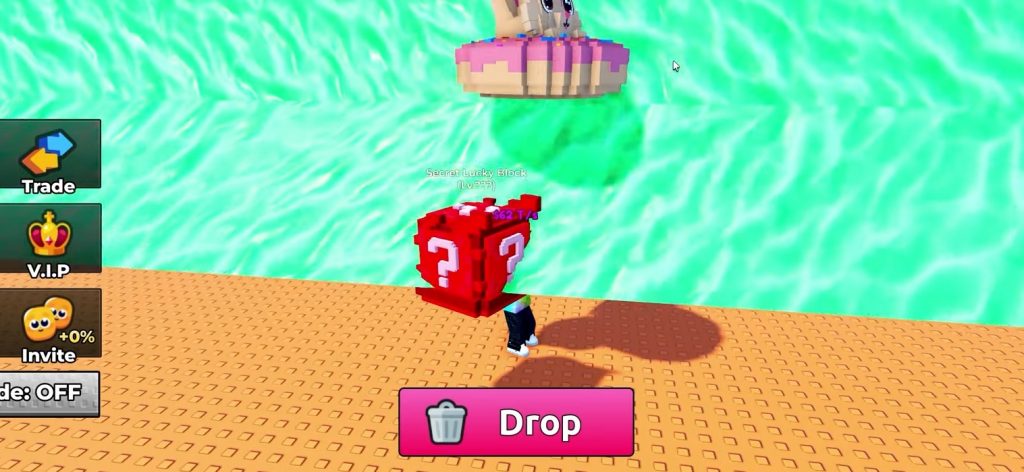
Trading has become one of the most important features in Escape Tsunami for Brainrots, especially for players who focus on collecting rare Brainrots. With the latest update, the game finally introduced a proper trading system that allows players to exchange Brainrots safely and directly inside the server.
This guide explains how the trading system works, how to enable it, and why trading is a big advantage compared to relying only on luck. Also check out our Escape Tsunami for Brainrots Codes for more rewards!
What Is Trading in Escape Tsunami for Brainrots?
Trading allows two players in the same server to exchange Brainrots of different rarities. Unlike gifting, trading is a two-way exchange, meaning both players receive something in return. This makes it much fairer and more useful for collectors who are missing specific Brainrots. Trading is fully optional, and you stay in control of who can send you trade requests.
How to Enable Trading Settings
Before you can trade, you need to make sure your trade settings are enabled.
Steps to manage trade settings:
- Click the cog wheel icon at the top of the screen
- Scroll down to the trading options
Choose one of the following:
- On – anyone in the server can send you trade requests
- Friends Only – only players on your friends list can trade with you
- Off – disables all trade requests
Both players must have trading enabled for a trade to work.
Requirements to Trade Brainrots
Trading only works if all conditions below are met:
- Both players are in the same server
- Both players have trading enabled
- The trade request is accepted within the time limit
If even one requirement is missing, the trade cannot start.
How to Start a Trade
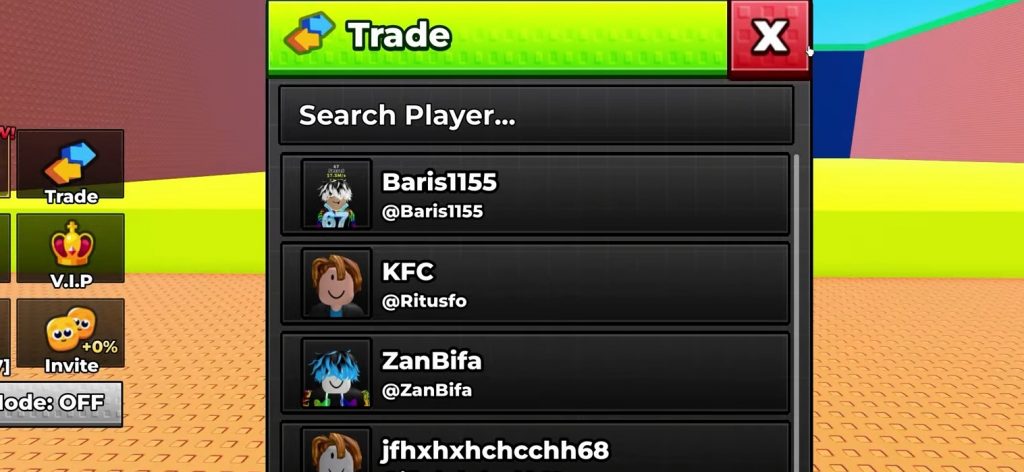
If you want to send a trade request, follow these steps:
- Press the Trade button on the left side of the screen (near the shop)
- Select a player from the server list
- Wait for the other player to accept the request
- Once accepted, the trading menu will open
Inside the trading menu:
- Tap the plus icon
- Select the Brainrots you want to offer
- Wait for the other player to add their Brainrots
- Review the trade carefully
- Press Accept
After both players confirm, the trade completes automatically after 5 seconds.
How to Accept a Trade Request
Accepting a trade is even simpler:
- When someone sends you a trade request, you have 10 seconds to respond
- Press Accept
- The trade menu opens
- Add your Brainrots using the plus icon
- Confirm once both sides agree
If anything feels wrong, you can always press Decline to cancel the trade safely.
Can You Cancel a Trade?
Yes. At any point before final confirmation:
- You can press Decline
- The trade will immediately stop
- No Brainrots are lost
This makes the system safe and prevents accidental trades.
Why Trading Is Important in Escape Tsunami for Brainrots
Trading is extremely useful for several reasons:
- Helps you get Brainrots you are missing
- Reduces reliance on random drops
- Makes rare Brainrots easier to collect
- Fair exchange since both players benefit
- Encourages cooperation instead of fighting
In busy servers where players are constantly stealing Brainrots, sending a trade request is often a cleaner and safer way to interact.
Trading Tips for New Players
- Always double-check the Brainrots before confirming
- Use chat to negotiate fair trades
- Avoid rushing the accept button
- Trade with friends if you want extra safety
- Keep your trade settings on Friends Only if you want fewer requests
The trading system in Escape Tsunami for Brainrots is a major upgrade that benefits collectors and casual players alike. It gives you control, safety, and a fair way to complete your Brainrot collection without relying purely on luck. As long as you manage your settings and review trades carefully, trading is one of the best features added to the game and something every player should take advantage of.
Escape Tsunami For Brainrots